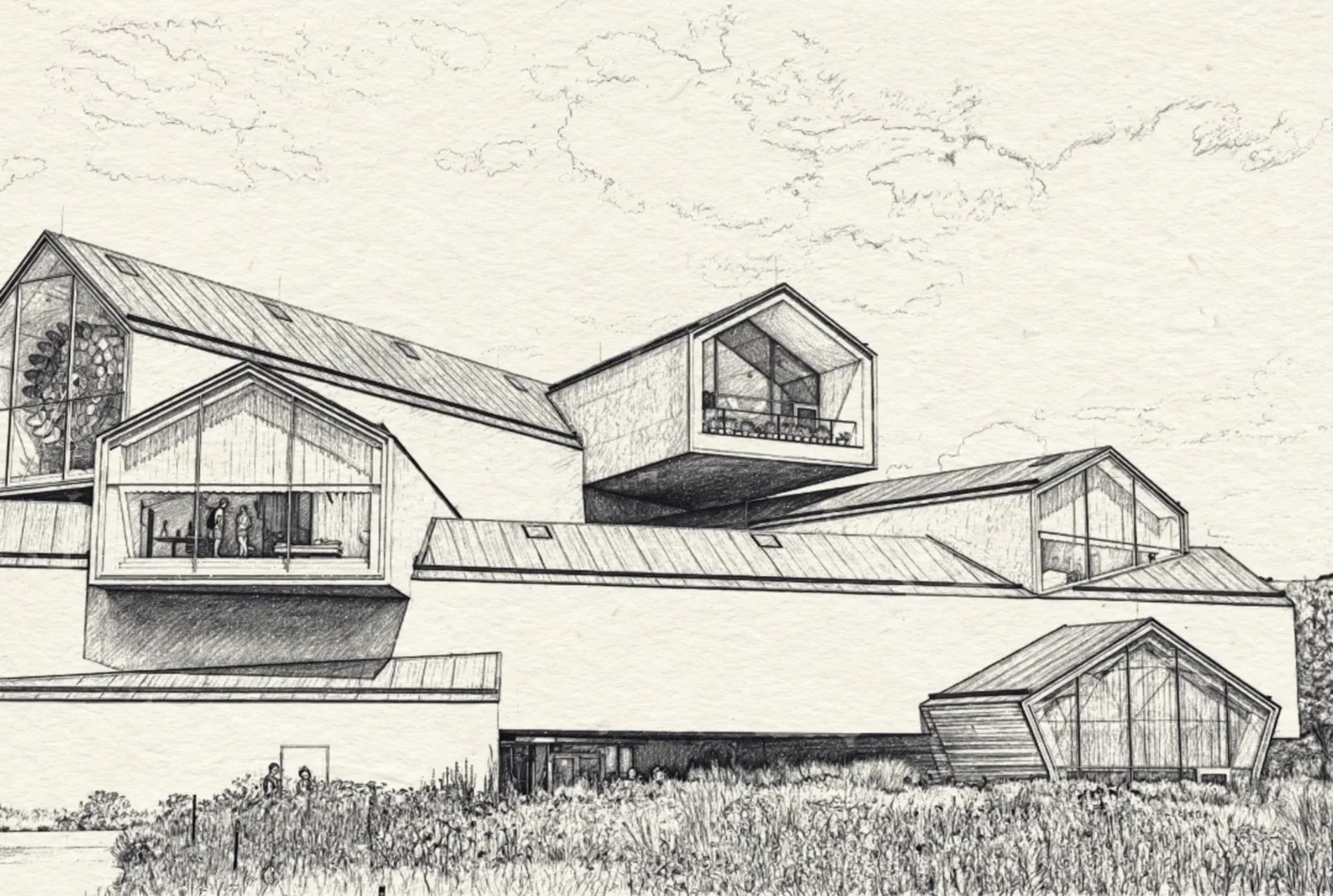
Understand whiteboard animation, image-based drawing reveals and scene editors. Choose the right workflow before preparing your first explanation.
Parv Shah · 3 min read
Make the explanation clear before making it move. These guides cover the decisions between your first idea and a drawing clip you can use.
Make a whiteboard-style video with Speedpaint →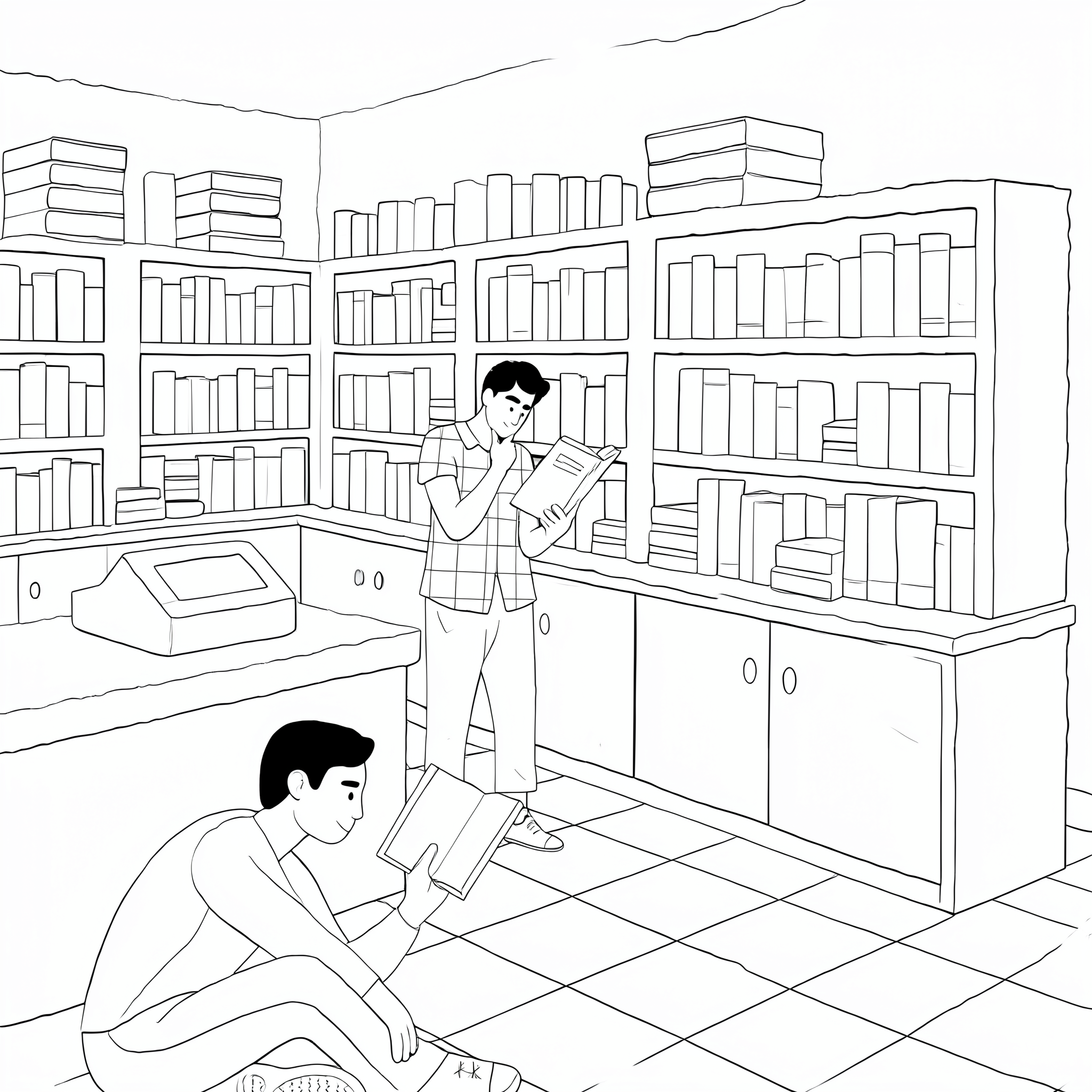
Choose one takeaway, write the spoken explanation, and prepare an image with readable lines. Separate complex ideas into scenes in your plan.
Upload the image, choose a drawing style and white canvas, and set the format and duration. Review the credit estimate before generating.
Compare the result with your source. Assemble clips and synchronize narration in an editor. Check readability on the screen your audience will use.
Understand whiteboard animation, image-based drawing reveals and scene editors. Choose the right workflow before preparing your first explanation.
Parv Shah · 3 min read
Plan narration, music and pencil sounds for a whiteboard drawing clip. Understand Studio audio controls and when synchronization needs a video editor.
Parv Shah · 3 min read
Estimate Speedpaint drawing-clip credits separately from narration and editing. Compare durations, 4K costs and trial credits before generating a sequence.
Parv Shah · 3 min read
Use a whiteboard drawing clip in a presentation without hiding the main point. Plan playback, readable labels, narration and a still-image fallback.
Parv Shah · 3 min read
Write a whiteboard animation script around one takeaway. Pair spoken lines with visuals, time a read-through and plan what happens outside Speedpaint.
Parv Shah · 3 min read
Plan each whiteboard scene with a visual job, source image and review checkpoint. Avoid relying on a generated stroke order for an exact explanation.
Parv Shah · 3 min read
A source-first checklist for diagram labels, equations, narration and lesson order when using a generated drawing video.
Parv Shah · 3 min read
Speedpaint reveals an existing image. It does not turn a script into a sequence of scenes or let you set the order of individual arrows and labels. Use a timeline editor when exact teaching order, captions or scene transitions are essential.
Compare the workflowsChoose a sample or upload your image. Start with clean outlines, a white canvas and a visible drawing hand. One free guest preview; no account required.
Drop an image here, or browse
PNG, JPG, or WEBP up to 20MB
Choose a sample to load it into the studio.
Loading samples…