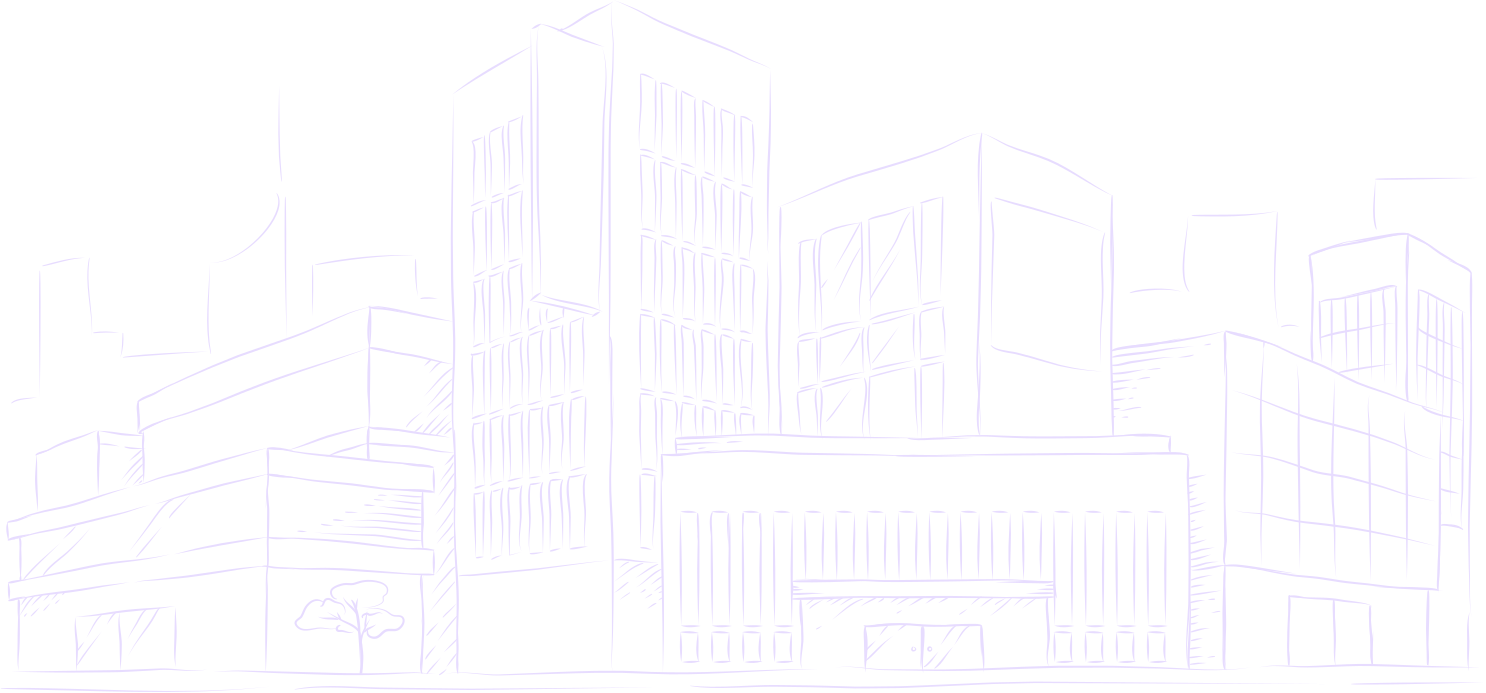
Turn illustrations, sketches, and photos into drawing videos
Built for content creators, visual educators, and digital artists. Animate any finished illustration, lesson diagram, or sketchbook photo into a natural drawing process video—without complex screen recording or video editing.
200 free trial credits · 10 standard videos up to 60s · Vertical 9:16 & widescreen 16:9
Two ways to share your drawing process
Comparing the traditional camera recording workflow with Speedpaint's automated single-pass drawing engine.
Manual camera & screen capture
Recording your screen while you work captures your complete creative session in real time—requiring camera rigs, lighting, hours of footage, and tedious speed-up video editing.
- •Requires recording equipment, camera tripods, and desk lighting
- •Produces massive raw video files that take hours to edit and speed up
- •Impossible to create if you only have the completed photo or artwork
Speedpaint automated drawing engine
Speedpaint plans a natural, stroke-by-stroke drawing reveal directly from your completed illustration, diagram, or sketchbook photo. Output smooth 60 FPS videos with realistic drawing hands, paper backgrounds, and ASMR pencil sounds in seconds.
- •Turns finished photos, diagrams, and artwork into drawing videos instantly
- •Customizable drawing hands, pencil styles, paper textures, and pencil audio
- •Exports vertical 9:16 for Shorts/Reels and widescreen 16:9 in 60 FPS
Who uses Speedpaint in their workflow
A versatile drawing engine for educators, creators, artists, and anyone who wants to turn a still drawing into a video.
Educators & Teachers
Animate lesson diagrams, historical maps, anatomical sketches, and whiteboard explanations that guide students through concepts step by step.
Content Creators
Generate high-retention video hooks, YouTube Shorts, and Instagram Reels that reveal drawings stroke-by-stroke with ambient music.
Digital & Traditional Artists
Share the progressive drawing process of your finished portfolio pieces or physical sketchbook pages without managing camera equipment.
Anyone with an Idea
Whether presenting an architectural concept, a family portrait, or a product illustration, transform any still image into a drawing video.
How to create a speedpaint video
Three easy steps from your image to a completed video.

1. Upload your art or photo
Upload any digital artwork, sketchbook photo, or camera picture from your phone or computer.

2. Choose style & format
Pick your preferred drawing style, video duration, and choose vertical 9:16 or widescreen 16:9.
3. Download your video
Download your smooth MP4 video and full-quality sketch image ready to share directly or use in your projects.
Questions about Speedpaint
Simple answers to common questions about creating drawing videos.
How does Speedpaint work with my drawings?
You upload a finished drawing, illustration, or photo. Speedpaint analyzes the contours and tonal depth to generate a smooth, natural drawing video reveal in seconds.
Do I need special recording equipment or software?
No. Everything runs right in your web browser. You do not need camera tripods, OBS, or video editing software.
Can I export vertical videos for social media?
Yes. You can export in vertical 9:16 (for YouTube Shorts, Instagram Reels, and TikTok), widescreen 16:9, square 1:1, 4:3, or 3:4.
Can I use these videos on monetized channels and client projects?
Yes. You own full commercial rights to all generated videos and high-resolution images created on Speedpaint.
Related guides & tools
Guide
Speedpaint workflow guide →
Generate drawing process videos directly from finished artwork.
Guide
Drawing process video →
Create drawing time-lapses from still photography.
Tool
Drawing animation →
MP4 video creation engine with 60 FPS reveals and audio tracks.
Tool
Photo to drawing video →
Convert still pictures into dynamic drawing time-lapse videos.
Turn a photo into a drawing
Upload an image, pick a style, and watch it draw itself on canvas.
200 free trial credits · 10 standard videos up to 60s · No credit card required
Tips, new sketch styles, and studio updates
Join creators receiving new drawing techniques, style releases, and studio updates.