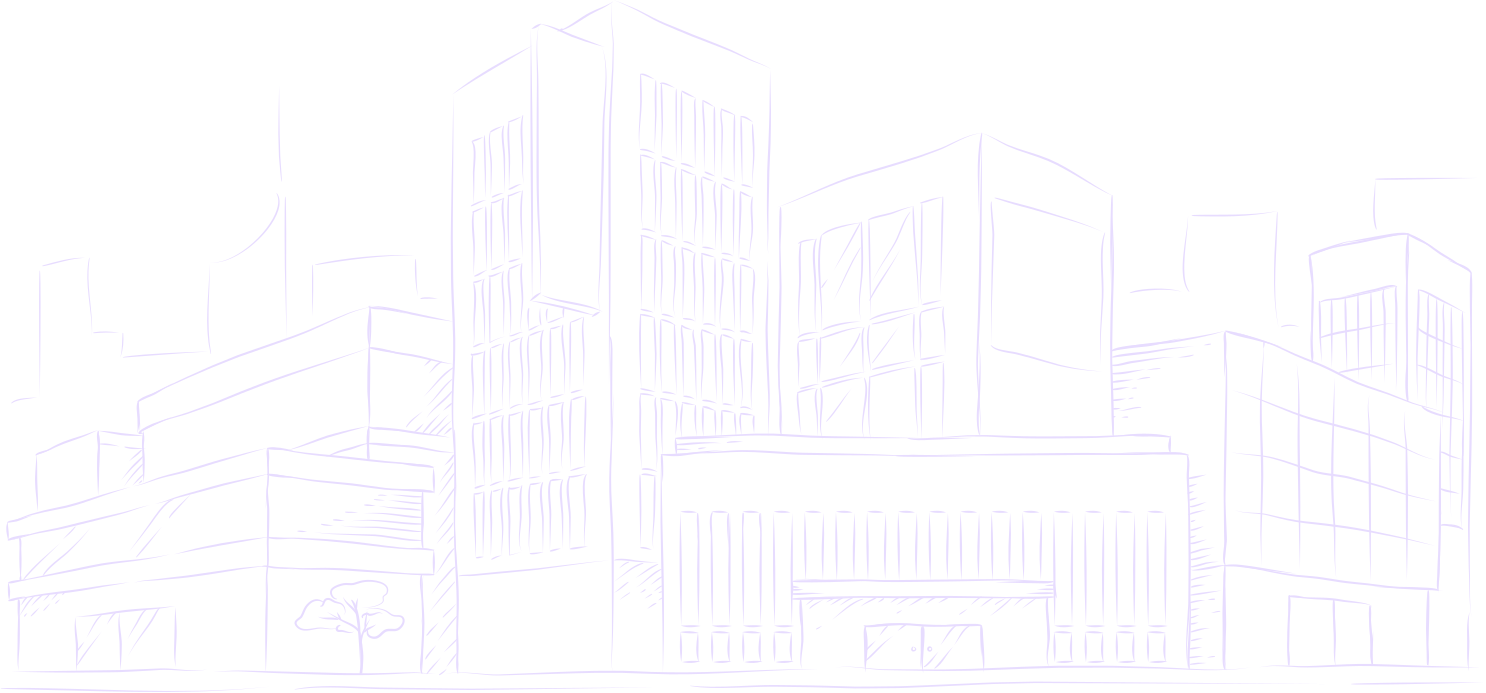
Turn photos into clean line art
Extract crisp, clean outlines and line art from any photo. Pure black-and-white linework with no gray smudges or shading, perfect for illustration bases, coloring pages, stencils, and crafts.
200 free trial credits · 10 standard videos up to 60s · Clean line art
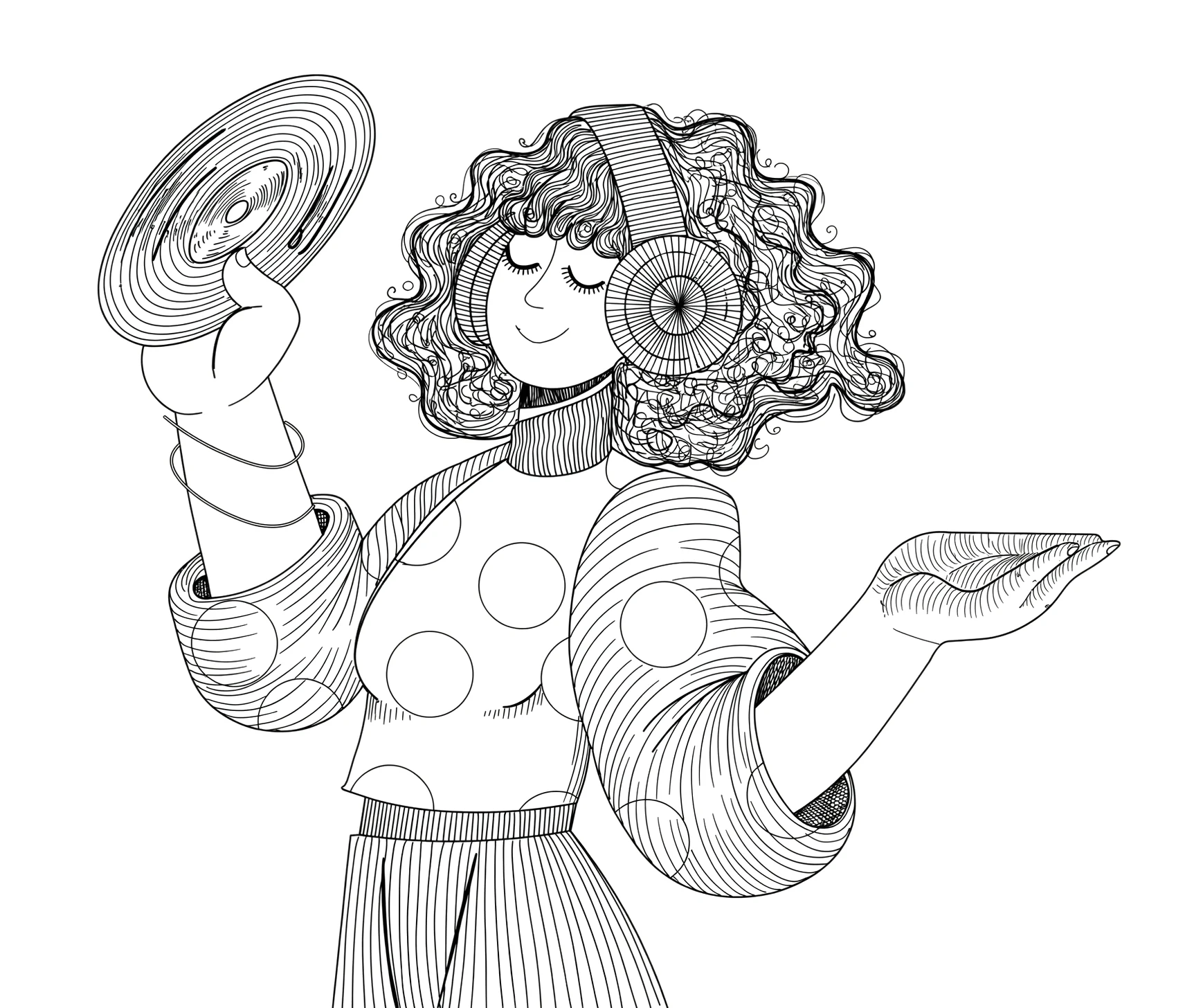
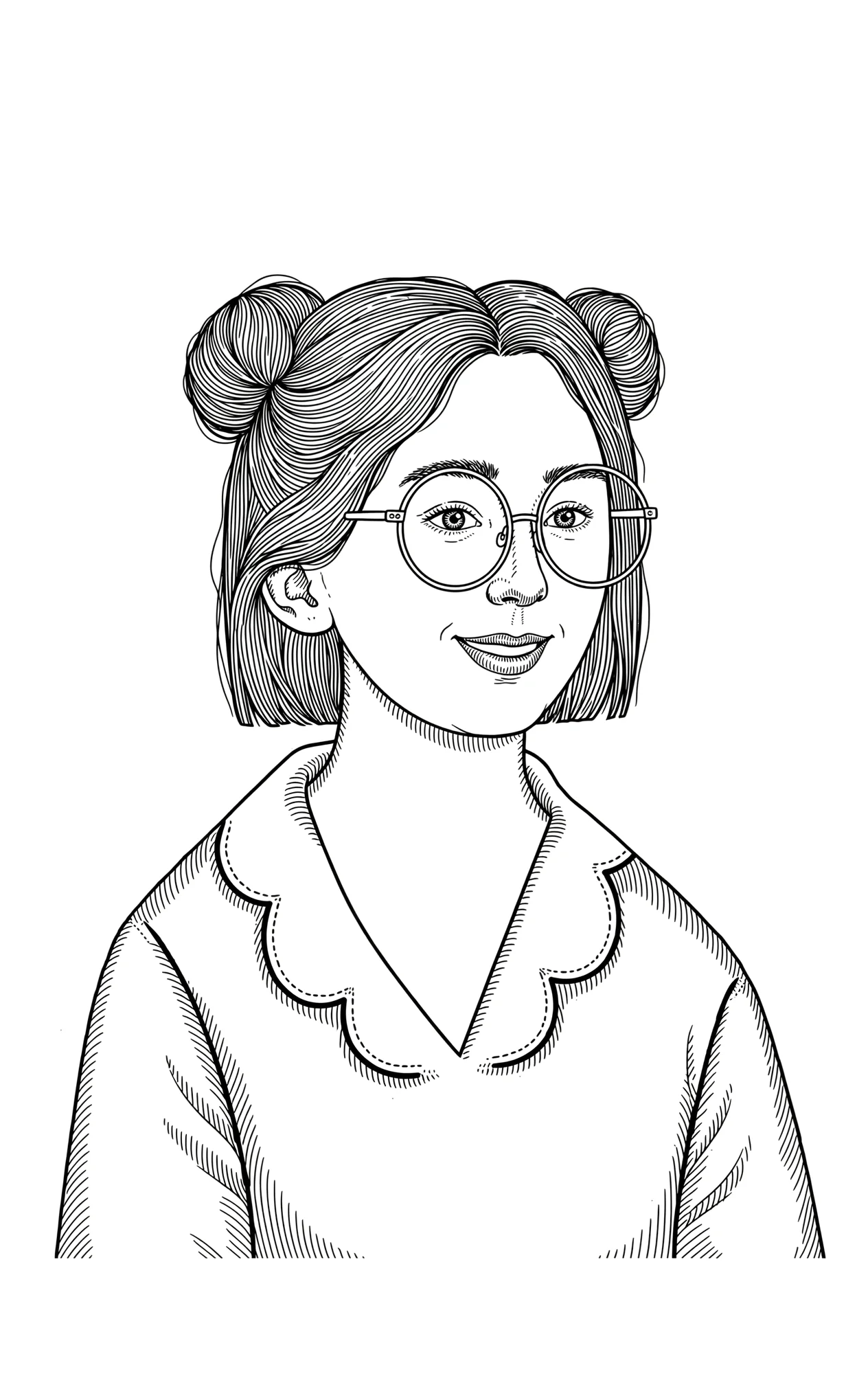
Line art isolates clean, unbroken edges without any background shading.
When to choose line art vs a detailed sketch
The style you select determines how outlines, lighting, and textures are represented on screen. Here is how line art differs from graphite shading.
Clean line art
Isolates the subject's essential structural edges and silhouettes into pure black-on-white outlines. Without gray halftones or shading smudges, the resulting artwork is crisp, high-contrast, and immediately legible at any size.
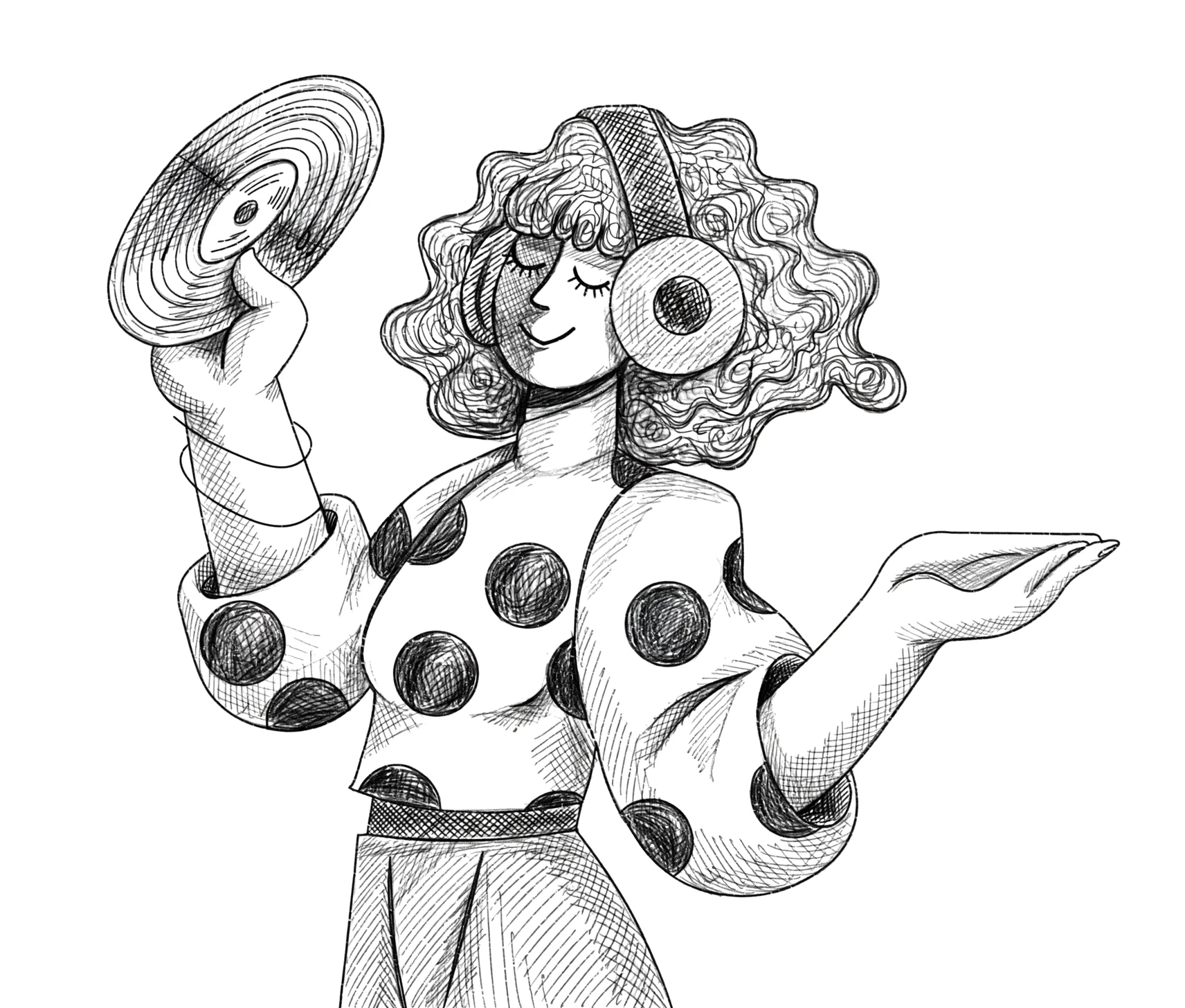
Detailed sketch
Builds a traditional multi-tonal graphite drawing with subtle pencil cross-hatching, realistic shadows, and delicate highlights. This treatment gives subjects three-dimensional form, weight, and paper texture interaction.
Choosing the right drawing style for your project
Every style renders with genuine pen trajectory planning at the exact duration you select in the studio.
Best for laser cutting, Cricut vinyl cutting, coloring page prints, Procreate inking bases, and high-contrast graphic video overlays where shading is not desired.
Best for realistic human and pet portraits, fine art reveals, landscape drawings, and transformation videos where authentic graphite pencil shading adds emotional weight.
Best for dramatic fine-art aesthetics, expressive figure studies, high-contrast dark tones, and moody art time-lapses with bold, textured smudges.
Best for comic book panels, stylized character illustrations, VTuber avatar reveals, and expressive cel-shaded art with sharp comic hatch lines.
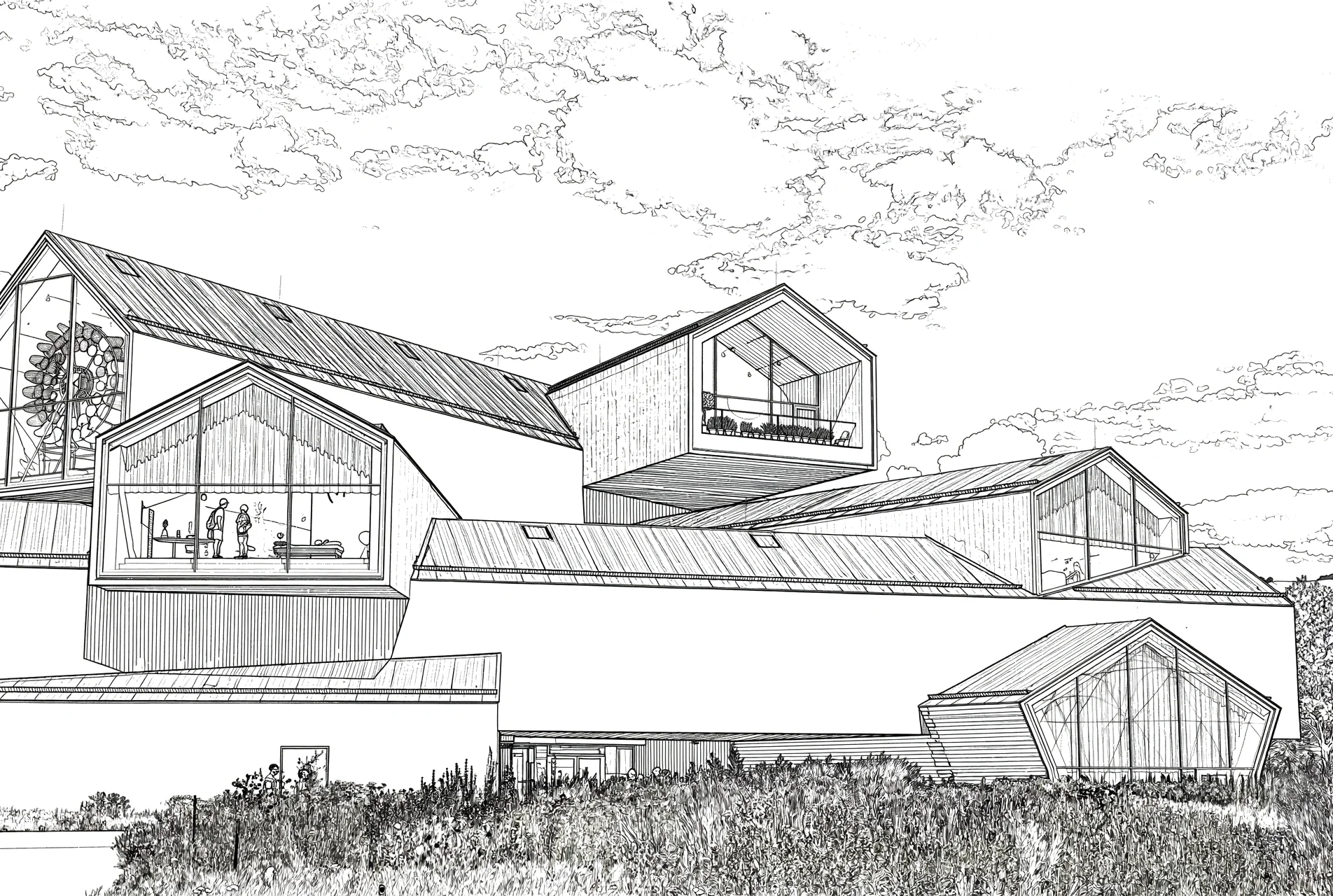
Best for building facades, interior blueprints, engineering schematics, and geometric landmarks. Pairs naturally with blueprint and grid canvas backgrounds.
Popular ways to use clean line art
From physical manufacturing stencils and digital illustration bases to classroom schematics and video overlays.
Laser cutting & vinyl stencils
Provides continuous, unbroken vector paths for Cricut machines, Glowforge, laser engravers, embroidery, and wood burning without burning or tearing material from gradient fills.
Digital inking & coloring pages
Creates clean line foundations for artists in Procreate, Clip Studio Paint, or Photoshop to colorize, or printable black-and-white coloring pages for activity books and workshops.
Technical schematics & slides
Generates high-contrast outlines for patent drawings, anatomy charts, lab manuals, and classroom slides that save printer ink and remain razor-sharp on projectors.
Transparent video overlays
Export line art on transparent backgrounds to drop dynamic drawing animations as lower thirds, b-roll graphics, and title sequences directly into Premiere, Final Cut, or DaVinci Resolve.
How to turn your photo into line art
Create clean outlines and drawing videos in three straightforward steps.
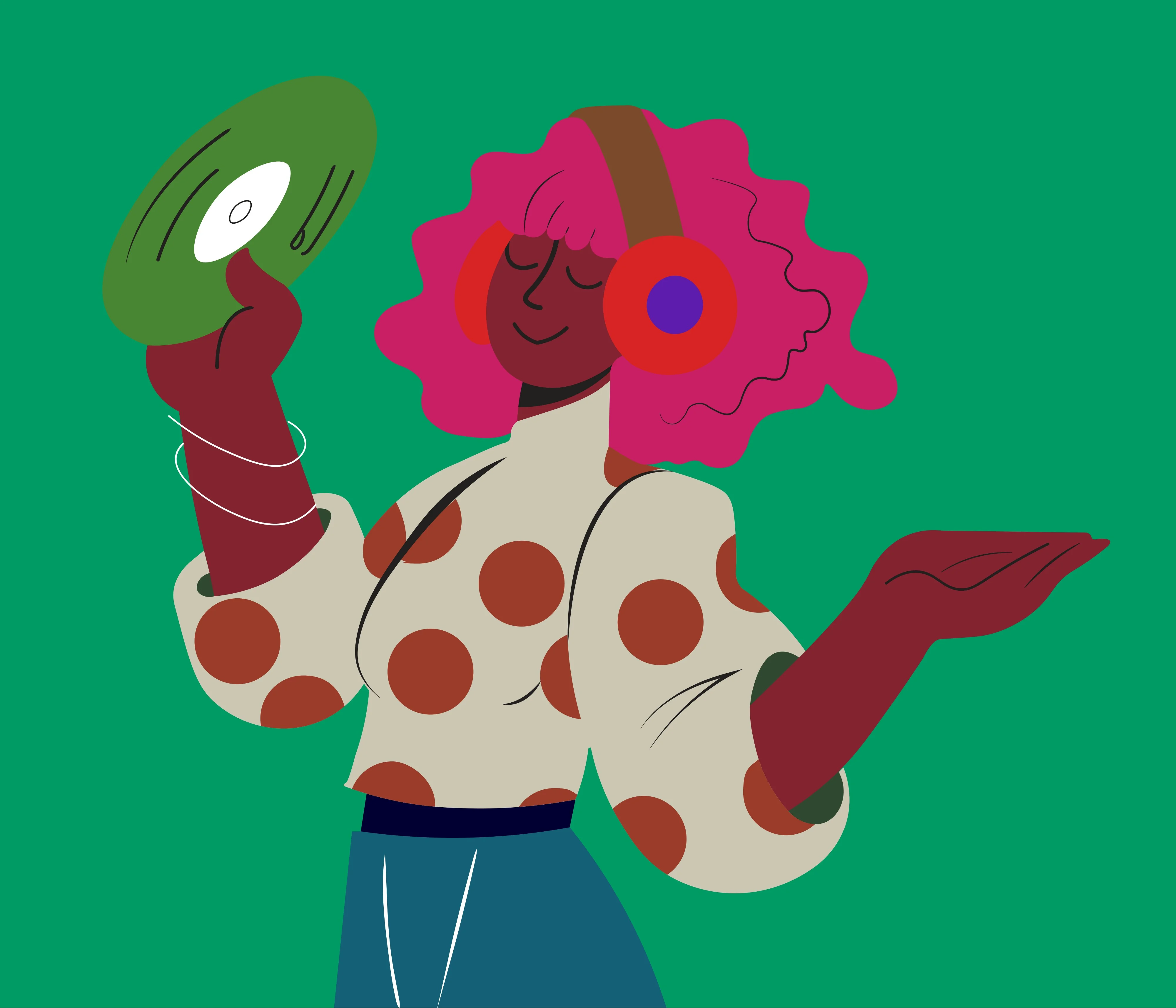
1. Upload your photo or artwork
Upload any photograph, illustration, or screenshot from your device. JPG, PNG, and WebP are supported.
2. Choose Clean Line Art style
Select Clean Line Art in the studio easel, pick your background (including transparent), and set your drawing speed.
3. Download video & line art
Download your drawing animation video or high-resolution line art ready to print, trace, or use in design projects.
Questions about line art extraction
Everything you need to know about extracting clean outlines and line art.
Does the line art export with a transparent background?
Yes. You can export clean black outlines on a pure white canvas or as a transparent PNG, making it easy to drop onto existing artworks, print mockups, or Cricut cutting mats.
What kind of photos create the best line art?
Images with good lighting and clear contrast between the subject and the background produce the sharpest outlines. Objects, portraits, architectural facades, and animals work especially well.
Can I use this line art as a base for digital painting?
Absolutely. Many artists and illustrators use Speedpaint line art as an initial line guide in apps like Procreate, Photoshop, or Clip Studio Paint to speed up their inking workflow.
Do I own commercial rights to the line art?
Yes. You retain full ownership and commercial rights for all outputs generated, including for products, client work, and merchandise.
Related guides & tools
Guide
Photo to clean line art →
Step-by-step tutorial on isolating sharp vector outlines without noise.
Tool
Photo to sketch →
Pencil and graphite sketch video generator.
Guide
Drawing process video →
Create time-lapses from photos for social media.
Tool
Drawing animation →
Full studio animation suite with audio tracks and 4K export.
Turn a photo into a drawing
Upload an image, pick a style, and watch it draw itself on canvas.
200 free trial credits · 10 standard videos up to 60s · No credit card required
Tips, new sketch styles, and studio updates
Join creators receiving new drawing techniques, style releases, and studio updates.