JavaScript is required to run the Speedpaint studio and export drawing videos.

How Speedpaint works

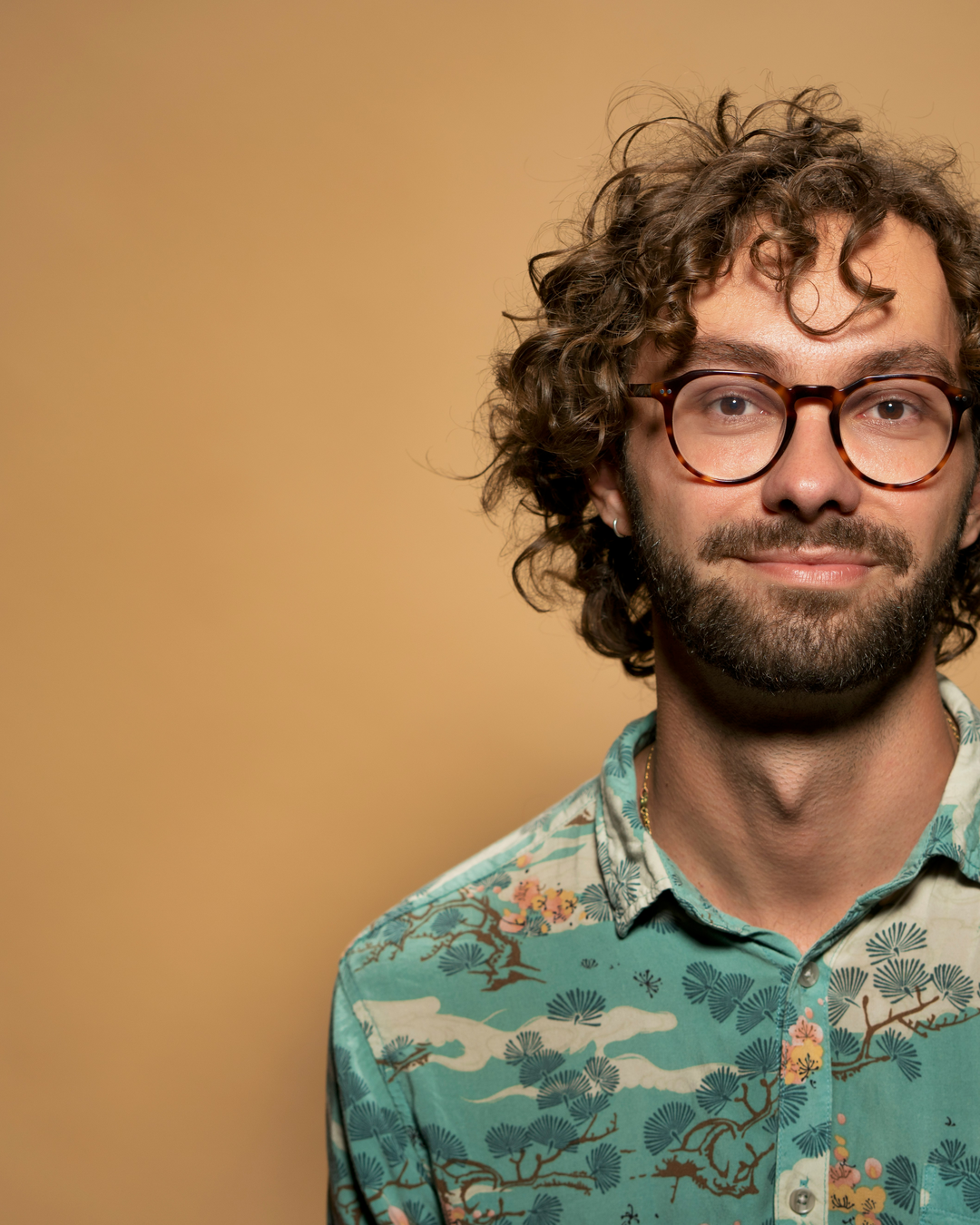
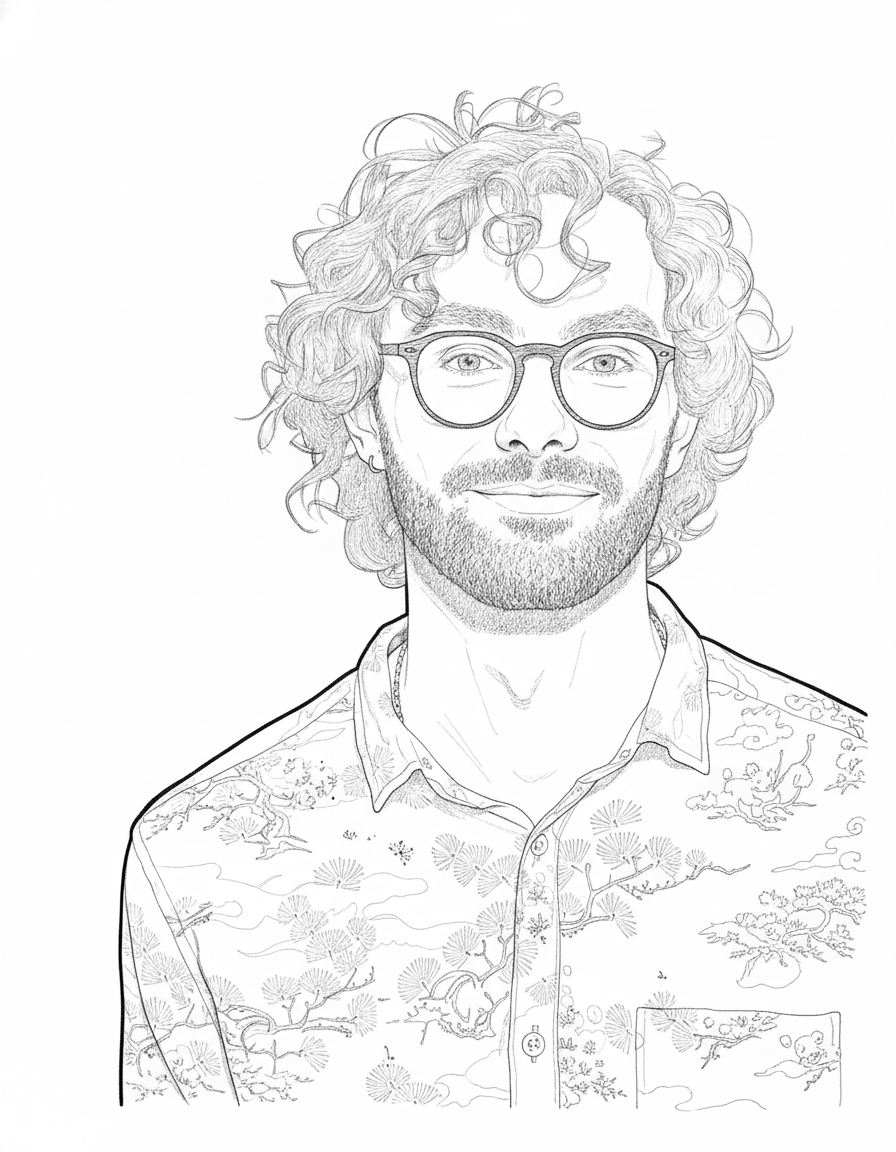
Upload a photo, choose a sketch style, and Speedpaint draws it stroke by stroke in a 60 fps video. Line art, Shaded sketch, Anime or Charcoal, with a right hand, a left hand or none. A video up to 3 minutes costs 10¢, and the first preview is free.

Steps3Upload, choose, watch it draw
Frames per second60The same on every export
Longest video3 minOne price, any style
Step 1

Upload a photo

A portrait, a pet, a building or a diagram. JPG, PNG or WEBP up to 50MB.

Upload a photo
Step 2

Choose the style

Line art, Shaded sketch, Anime or Charcoal, and the hand that draws it.

Choose the style
Step 3

Watch it draw

A 60 fps video of the drawing appearing stroke by stroke, ready to download or share.

What you choose

Everything that changes the drawing is set before the render starts. Nothing is decided for you after the fact.

StyleFour drawingsLine art, Shaded sketch, Anime, Charcoal
HandRight, left or noneThe hand that holds the pencil
ShapeVertical or wide9:16, 16:9, 1:1, 4:3 or 3:4
LengthUp to 3 minutesShorter renders cost the same
PaperWhite or your ownPaper presets, or an image you upload
SoundMusic or your audioBuilt-in tracks, or your own file
MarkText or logoA watermark you place yourself
Size1080p or 4K4K costs 10 more credits on Lite

The drawing

An image model draws the sketch from your photo in the style you picked. It keeps the face, the pose and the main shapes of the photo, and interprets the rest. Hair, expression and very small details can change, which is why a clear, evenly lit photo gives the closest likeness.
The video

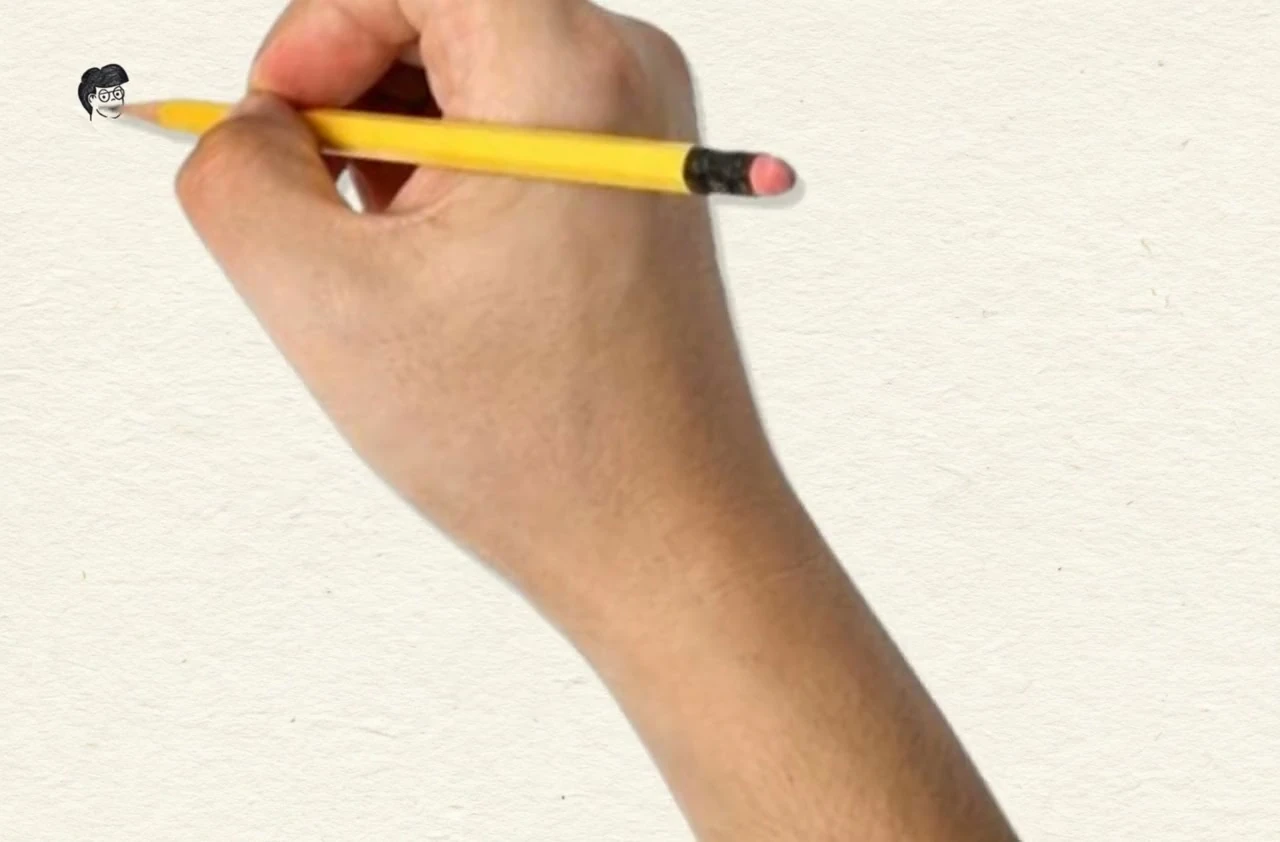
The video is not generated footage. Speedpaint reads the finished drawing, plans the pen strokes it would take to produce it, and draws them in order, one object at a time, with the hand following each line. That is why the result looks like a recording rather than a reveal effect.

What it costs

A video up to 3 minutes is 10¢, a still drawing is 5, and eligible new accounts start with $0.20 free.

What your balance pays for

Studio shows the exact cost before you start. Failed videos are refunded to your balance.

A video up to 3 min
10¢
Any style, 1080p. 4K is free on Plus and Pro.
The full 3 minutes
Included
No extra charge, with or without a plan
A still sketch
5¢
A drawing, no video
A 4K video
+10¢
On Lite or without a plan. Free on Plus and Pro.

Top-ups stay valid for one year. Existing accounts keep their original terms.

What Plus covers

Every video and sketch comes out of the same balance.

58

58 videos

14

14 sketches

$5.80 in videos $0.70 in sketches

How one render is priced

Sketch only
5¢
Video
10¢
Video in 4K
10¢

4K renders at the same 10¢ as 1080p on this plan.

How it works questions

The photo, the drawing, the hand and the file you get.

Related

Turn a photo into a drawing

Upload an image, pick a style, and watch it draw itself on canvas.

Try Speedpaint for free

20 free credits for new accounts · No card required

Photograph of a hand holding a pencil over paper

Tips, new sketch styles, and studio updates

Join creators receiving new drawing techniques, style releases, and studio updates.

Our promise: we won't sell your data or spam you.