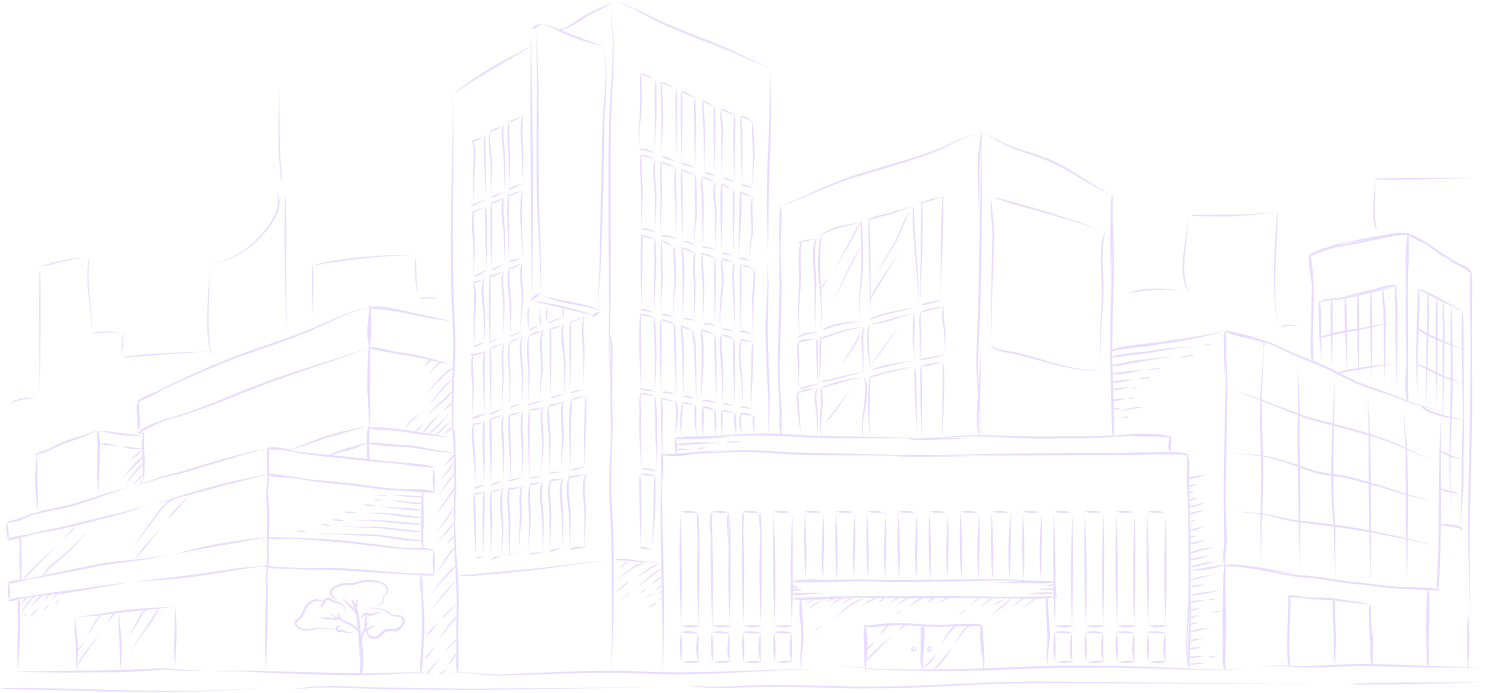
Turn any photo into pixel art
Upload a photo. You get a clean pixel art version of it and a short video of it being painted, ready to post.
- Works on portraits, pets, illustrations and landscapes
- Choose how big the squares are: 32 to 128 across
- Download the video, the sprite PNG and the .ase file
20¢ a video, pay as you go · $0.20 free when you sign up · no card needed
How it works
Three steps, about a minute of waiting. No drawing skills or software needed.
- 1
Upload a photo
Any photo or drawing. The whole picture is kept, background included, and nothing is added to it.
- 2
Pick the size and length
Fewer squares look chunky and retro, more squares keep more detail. Choose 15 seconds to 3 minutes, and grid lines if you want them.
- 3
Download and post
In about a minute you have the video, the sprite PNG and the .ase file, saved to your library too.
Before and after
Real results, not mock-ups. Portraits, pets, illustrations and landscapes all work. Tap one to watch it being drawn.
What you receive
A drawing video to post, and an editable sprite file to keep.
A video of it being painted
The big colour areas go down first, then outlines, shading and small details, so people watch the picture come together. Pick 15 seconds to 3 minutes, square or 9:16, with music if you like.
The pixel art files to keep
Download the finished sprite as a PNG, and the .ase file that opens in Aseprite or the free LibreSprite, with every drawing step saved as a frame. Change colours, fix squares, or use it in a game.
What people make with it
Videos to post, sprites for games, emotes and gifts.
Game developers
Start a character or a prop from a photo, then clean it up in the .ase file.
Streamers
Make emotes, badges and stickers that stay readable at small sizes.
Pixel artists
See how a picture breaks down into parts and flat colours, step by step.
Short videos
Post the drawing as a Short or a Reel in 9:16, with music from the library.
Make your pixel art
Upload a photo or illustration. You get the video, the sprite PNG and the .ase file.
One free guest preview per network, 2 to 60 seconds. Download access expires after 24 hours.
Drop an image here, or browse
PNG, JPG, or WEBP up to 20MB
Or start with this photo
The portrait from this page, ready to draw.
Loading samples…
What it costs
A video up to 3 minutes is 10¢, a still drawing is 5, and eligible new accounts start with $0.20 free.
What your balance pays for
Studio shows the exact cost before you start. Failed videos are refunded to your balance.
- A video up to 3 min
- 10¢
- Any style, 1080p. 4K is free on Plus and Pro.
- The full 3 minutes
- Included
- No extra charge, with or without a plan
- A still sketch
- 5¢
- A drawing, no video
- A 4K video
- +10¢
- On Lite or without a plan. Free on Plus and Pro.
Pick a plan
Your balance is topped up every month. Cancel any time.
- LiteFor trying a few videos a month$0.99a month12 videos every month
Prices exclude tax, added at checkout.
You get $1.25 to spend every month for $0.99
- Drawing videos up to 3 min12 · 10¢ each
- Pixel art videos6 · 20¢ each
- Sketches25 · 5¢ each
- 4K export10¢ more
- Batch, music, all stylesIncluded
- WatermarkNone
- CancelAny time
- PlusFor making videos every week$4.99a month65 videos every month
Prices exclude tax, added at checkout.
You get $6.50 to spend every month for $4.99
- Drawing videos up to 3 min65 · 10¢ each
- Pixel art videos32 · 20¢ each
- Sketches130 · 5¢ each
- 4K exportFree
- Batch, music, all stylesIncluded
- WatermarkNone
- CancelAny time
- ProRecommended50% off first monthFor creators who post often$4.99first month, then $9.99 a month · 140 videos
$9.99first monthPrices exclude tax, added at checkout.
You get $14 to spend every month for $9.99
- Drawing videos up to 3 min140 · 10¢ each
- Pixel art videos70 · 20¢ each
- Sketches280 · 5¢ each
- 4K exportFree
- Batch, music, all stylesIncluded
- WatermarkNone
- CancelAny time
Secure checkout by Dodo Payments. Taxes shown at checkout. The first-month discount needs a card and is once per person and per card. Cancel any time in Billing.
Top-ups stay valid for one year. Existing accounts keep their original terms.
What Plus covers
Every video and sketch comes out of the same balance.
58
58 videos
14
14 sketches
How one render is priced
- Sketch only
- 5¢
- Video
- 10¢
- Video in 4K
- 10¢
4K renders at the same 10¢ as 1080p on this plan.
Pixel art questions
What you get, what it costs and what opens the files.
What is pixel art in Speedpaint?
A style that turns your image into colour pixel art and records it being painted. You get a video and an .ase file with every step as a frame.
In what order is it drawn?
Like a pixel artist: the big flat colour areas go down quickly, then outlines, shading and small details fill the rest of the video. It always ends on the finished picture.
How big are the squares?
You choose: 32, 48, 64, 96 or 128 squares across. Fewer squares look bolder and more retro; more squares keep more of the photo.
What is the .ase file and what opens it?
The sprite file used by LibreSprite and Aseprite. Each drawing step is a frame. LibreSprite is free and open source.
Why is there no hand or paper?
Pixel art is drawn on a digital grid. A hand would cover the squares, and paper texture does not belong in a sprite.
What does a pixel art video cost?
20¢ for a video up to 3 minutes, twice a drawing video. 4K adds 10¢ unless you are on Plus or Pro. New accounts get $0.20 free after email verification, enough for 1 pixel art videos.
How long can a pixel art video be?
From 15 seconds to 3 minutes. Longer videos draw the same sprite more slowly.
Can I use the sprites in a commercial game?
Yes, as long as you have the rights to the image you uploaded. See the terms.
Does it work on scenes and landscapes?
Yes. The whole picture is pixelated, background included, and a plain background stays plain.
Does a guest preview include the .ase file?
No. A guest preview is the watermarked video. With a free account, the .ase file is in your library.
Related
Turn a photo into a drawing
Upload an image, pick a style, and watch it draw itself on canvas.
$0.20 free for new accounts · No card required
Tips, new sketch styles, and studio updates
Join creators receiving new drawing techniques, style releases, and studio updates.