Sharing your creative process when you didn't record live
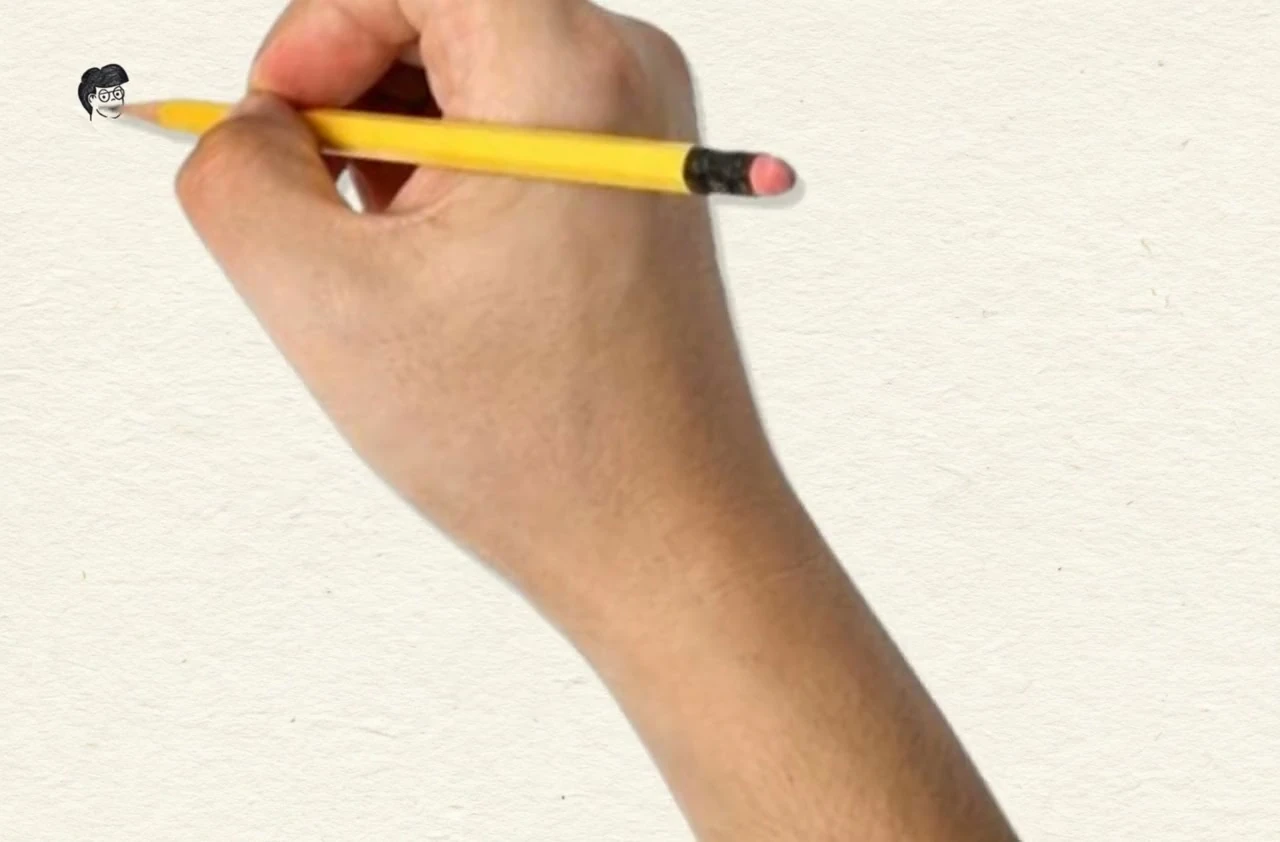
Process videos are one of the most engaging ways to showcase art online. While live screen recording is great for real-time tutorials and full-length streams, artists often finish artwork without having recorded their screen. Speedpaint provides a simple way to create a drawing animation directly from your finished piece:
- Stay immersed in drawing: Create naturally without managing recording software, pauses, or camera setups.
- Brings physical sketchbooks to life: Turn traditional pencil, ink, or watercolor sketchbook pages into animated video reveals.
- Tailored for social media: Generate paced 15-second or 30-second drawing animations ready for YouTube Shorts, Instagram Reels, and TikTok.
Two complementary ways to share your art
Both workflows have their place depending on your goals:
Live studio recording
Long-form tutorials & streams
Best for masterclasses, Twitch streams, and showing raw real-time decision making with software palettes and brush gestures.
Speedpaint animation
Finished artwork & sketch reveals
Upload your completed image, choose your drawing speed and canvas texture, and export a ready-to-share MP4 drawing video.
Step-by-step creation guide
- Upload your image: Add your illustration, sketchbook scan, or photograph into the studio.
- Configure drawing settings: Choose your preferred drawing style (graphite sketch or line art), canvas background, and optional hand overlay.
- Choose format: Select 9:16 vertical for Shorts/Reels or 16:9 for widescreen presentations.
- Export video: Generate your drawing video and download the finished MP4 file.