JavaScript is required to run the Speedpaint studio and export drawing videos.

How to turn a photo into line art

A step-by-step walkthrough for isolating sharp outlines, removing messy textures, and producing minimalist ink illustrations and animated line reveals.

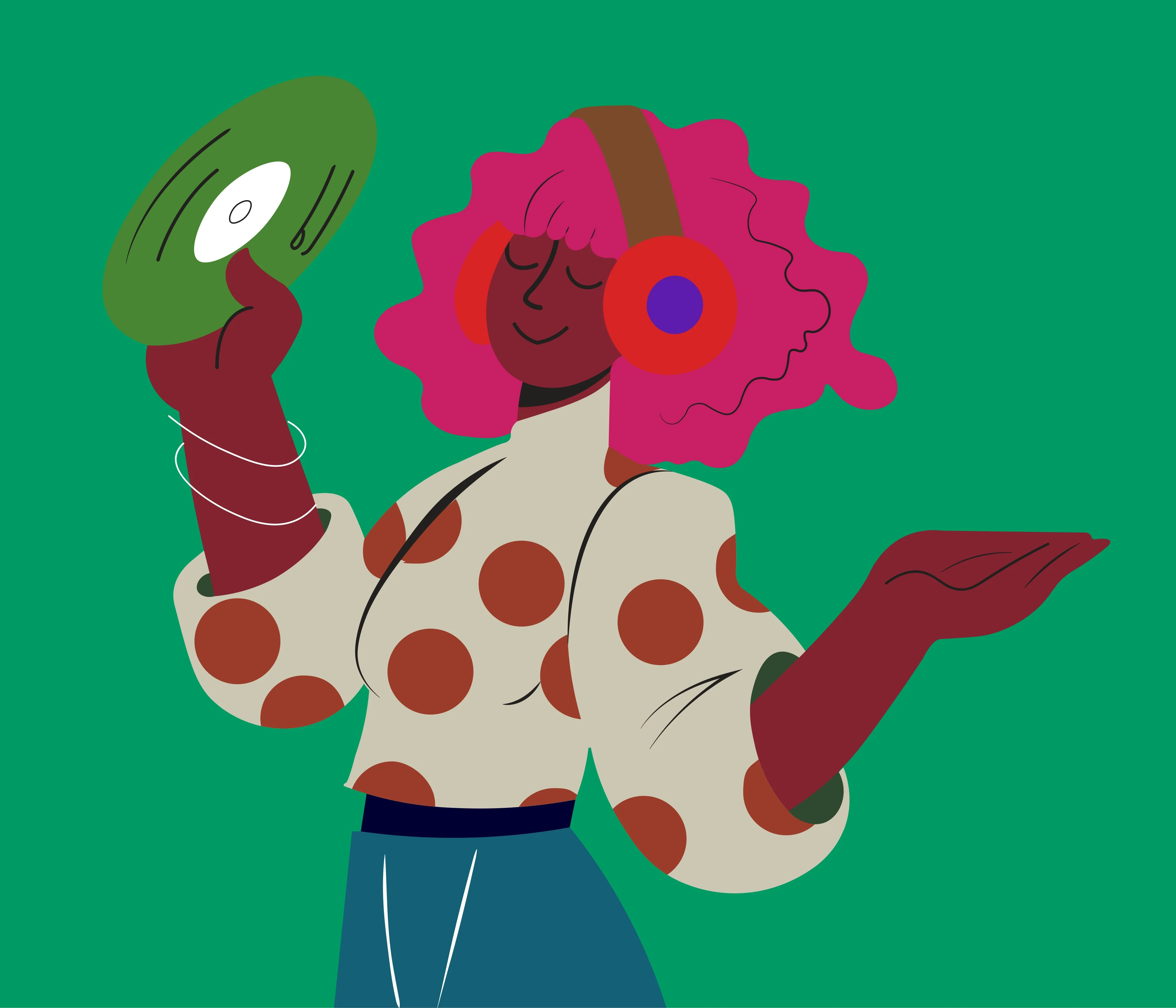
Colour illustration used as the line-art sourceSource

Why pure line art differs from pencil shading

While pencil sketches rely on cross-hatching, tonal gradients, and paper grain to communicate volume, line art relies purely on clean line paths, edge weight, and negative space.

When converting a photograph into line art, the biggest hurdle is noise: grain, tiny wrinkles, pore textures, and minor background clutter often turn into messy jagged lines in traditional filter apps. Choose Line art to reduce shading, then inspect the drawing. The stroke planner works from the resulting image; it does not guarantee perfectly closed or noise-free contours.

1. Best photo types for line art

Architectural and product shots

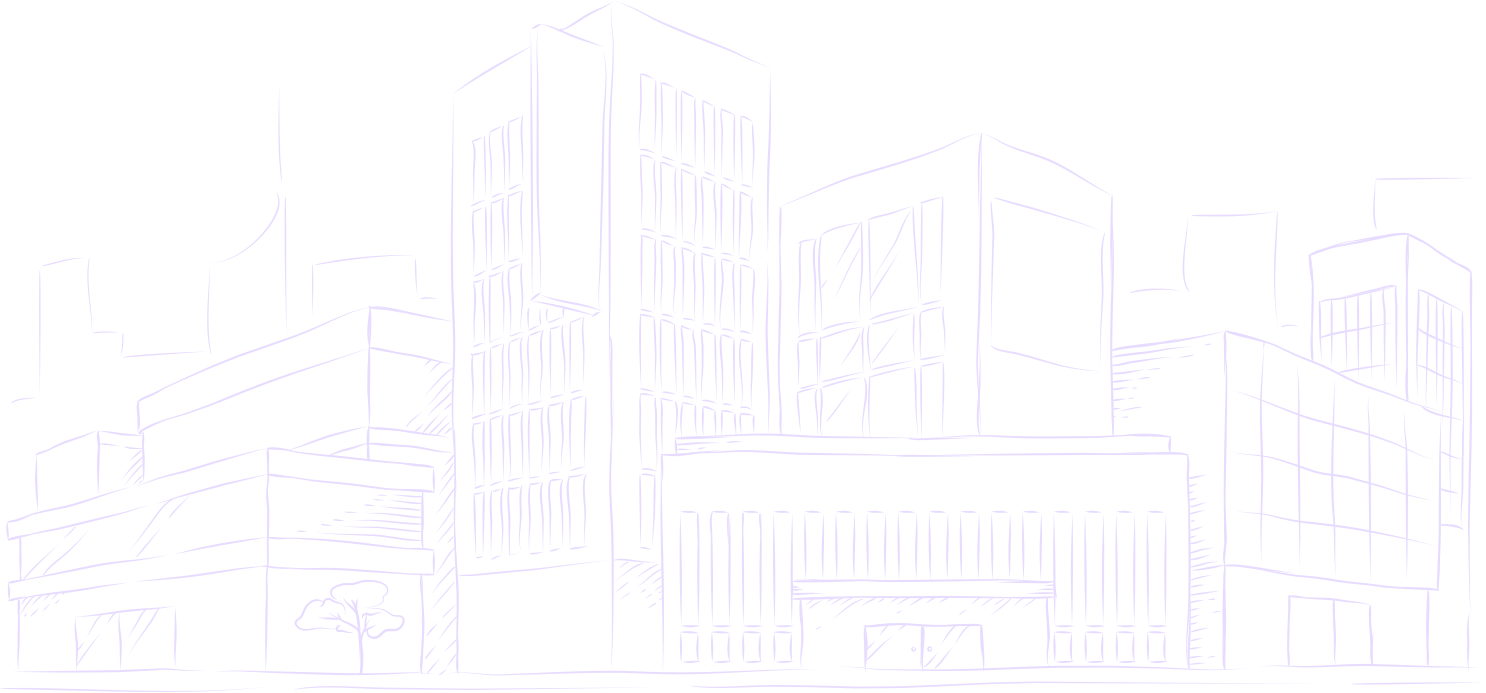
Buildings, vehicles, and industrial designs naturally feature geometric structural edges that turn into crisp technical drawings.

Portraits with defined silhouettes

Clean jawlines, bold hairstyles, and distinct facial features translate directly into continuous line portraits.

2. Preparing a clear source image

For best results, choose images with strong subject contrast against the background. High contrast along key contours helps the sketch step keep boundary lines clean.
Related guides & tools

Turn a photo into a drawing

Upload an image, pick a style, and watch it draw itself on canvas.

Try Speedpaint for free

20 free credits for new accounts · No card required

Photograph of a hand holding a pencil over paper

Tips, new sketch styles, and studio updates

Join creators receiving new drawing techniques, style releases, and studio updates.

Our promise: we won't sell your data or spam you.

Make your first drawing video

Try every setting below. Sign up free to make the video.

Guest video previews are paused for maintenance

Sorry about that. You can still upload an image and try every setting below. To make the video, sign up free and get 20¢ after you verify your email.

Sign up free

Drop an image here, or browse

PNG, JPG, or WEBP up to 20MB

Or try with a sample

Choose a sample to load it into the studio.

Loading samples…