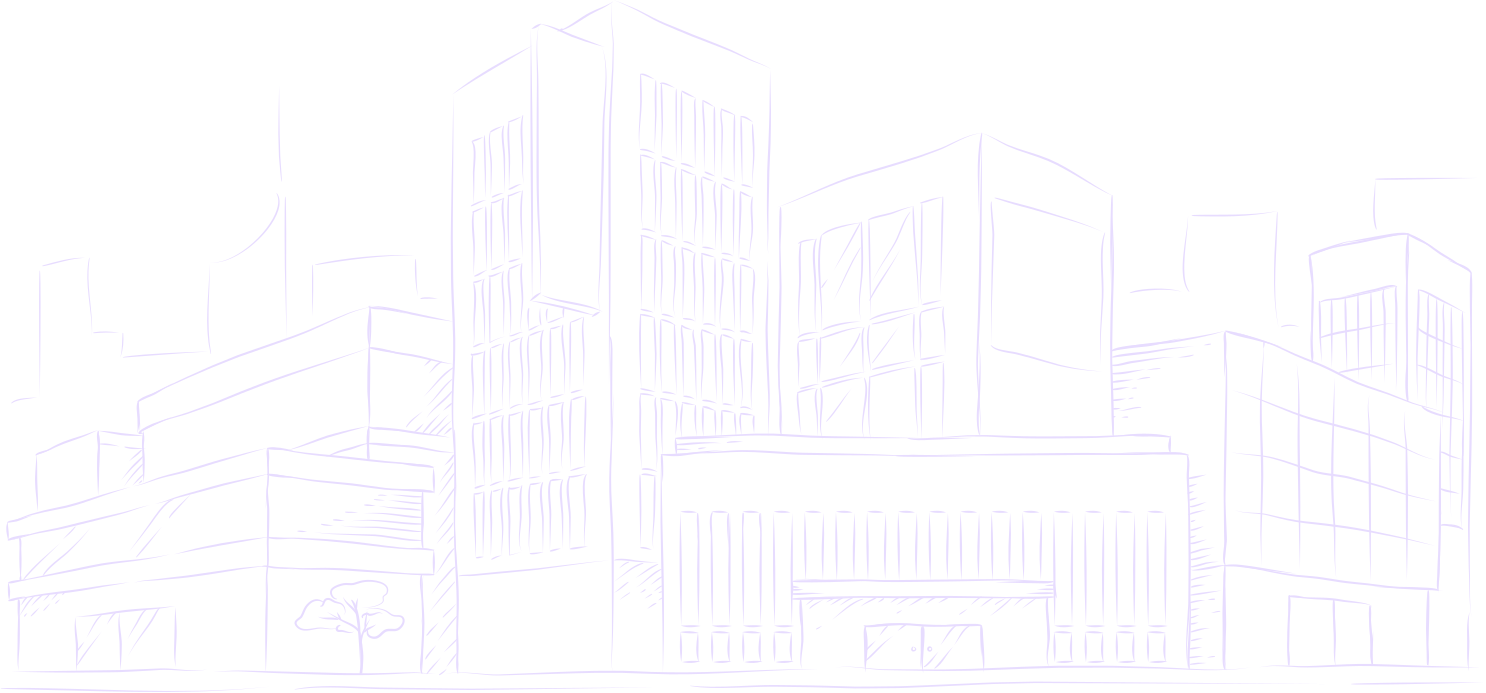
Turn any image into a whiteboard animation video
Built for educators, storytellers, and creators. Convert lesson diagrams, illustrations, or photos into authentic hand-drawn whiteboard videos stroke by stroke—without drawing skills or complex video editors.
200 free trial credits · 10 standard videos up to 60s · Vertical 9:16 & widescreen 16:9
Built for every kind of visual explainer
Whether you are building YouTube Shorts, STEM lesson presentations, or client pitch explainers, Speedpaint turns static visual assets into high-retention whiteboard animations.
STEM & Educational Lessons
Illustrate scientific diagrams, anatomy charts, mathematics formulas, and historical timelines stroke by stroke to reduce cognitive working-memory load.
YouTube Shorts & TikTok Hooks
Leverage the progressive reveal effect in 9:16 vertical video format to achieve average view durations above 85% on social video feeds.
Product & Concept Pitching
Turn product photographs and user interface wireframes into clean line art whiteboard animations for landing pages, keynote slides, and client decks.
How the whiteboard animation engine works
Speedpaint replaces complex screen recording rigs with automated topological skeletonization and discrete object trajectory planning.
Upload visual asset
Upload any photograph, diagram, or character drawing. Speedpaint automatically frames your image in 9:16, 16:9, or 1:1.
Select drawing style
Choose between Clean Line Art, Detailed Shading, Charcoal Atelier, Anime, or Blueprint drafting styles.
Export 1080p / 4K video
Download your finished MP4 video or publish directly to YouTube Shorts. Commercial usage rights are included.
Whiteboard animation FAQs
Frequently asked questions about creating whiteboard drawing videos with Speedpaint.
What is an AI whiteboard animation video generator?
Speedpaint is an online whiteboard animation engine that converts static images, lesson diagrams, and photos into stroke-by-stroke drawing videos. The pencil strokes appear in a natural sequence on textured canvas, slate, or paper.
How is Speedpaint different from traditional whiteboard software like VideoScribe or Doodly?
Traditional tools require placing stock SVGs or drawing paths manually. Speedpaint works from any custom photograph, illustration, or finished diagram, automatically computing the optimal single-pass drawing path with no manual vector tracing.
Can I export in vertical 9:16 format for YouTube Shorts?
Yes. You can export in vertical 9:16 (for YouTube Shorts, Instagram Reels, and TikTok), widescreen 16:9, square 1:1, 4:3, or 3:4 at 1080p Full HD or 4K Ultra HD.
How much does it cost to generate a whiteboard animation?
Speedpaint operates on a transparent credit ledger ($1.00 USD = 100 credits). Standard 1080p videos cost 20 credits ($0.20) for up to 60 seconds, then +10 credits per started minute. New accounts receive 200 free trial credits (10 free drawing videos), and credits never expire.
Are commercial rights included on generated videos?
Yes. You retain full commercial ownership of all exported MP4 videos and high-resolution sketch images for use on monetized YouTube channels, client projects, and marketing campaigns.
Turn a photo into a drawing
Upload an image, pick a style, and watch it draw itself on canvas.
200 free trial credits · 10 standard videos up to 60s · No credit card required
Tips, new sketch styles, and studio updates
Join creators receiving new drawing techniques, style releases, and studio updates.