Coloring books & craft stencils
Extract clean black-and-white outlines with no gray smudges for printable coloring books, tattoo stencils, and vinyl cuts.
Extract crisp, pure black-and-white outlines from any photo. Zero gray smudges or unwanted shadows—ideal for coloring pages, stencils, illustrations, and blueprints.
60 FPS video output · 20 credits for a standard video · no card required
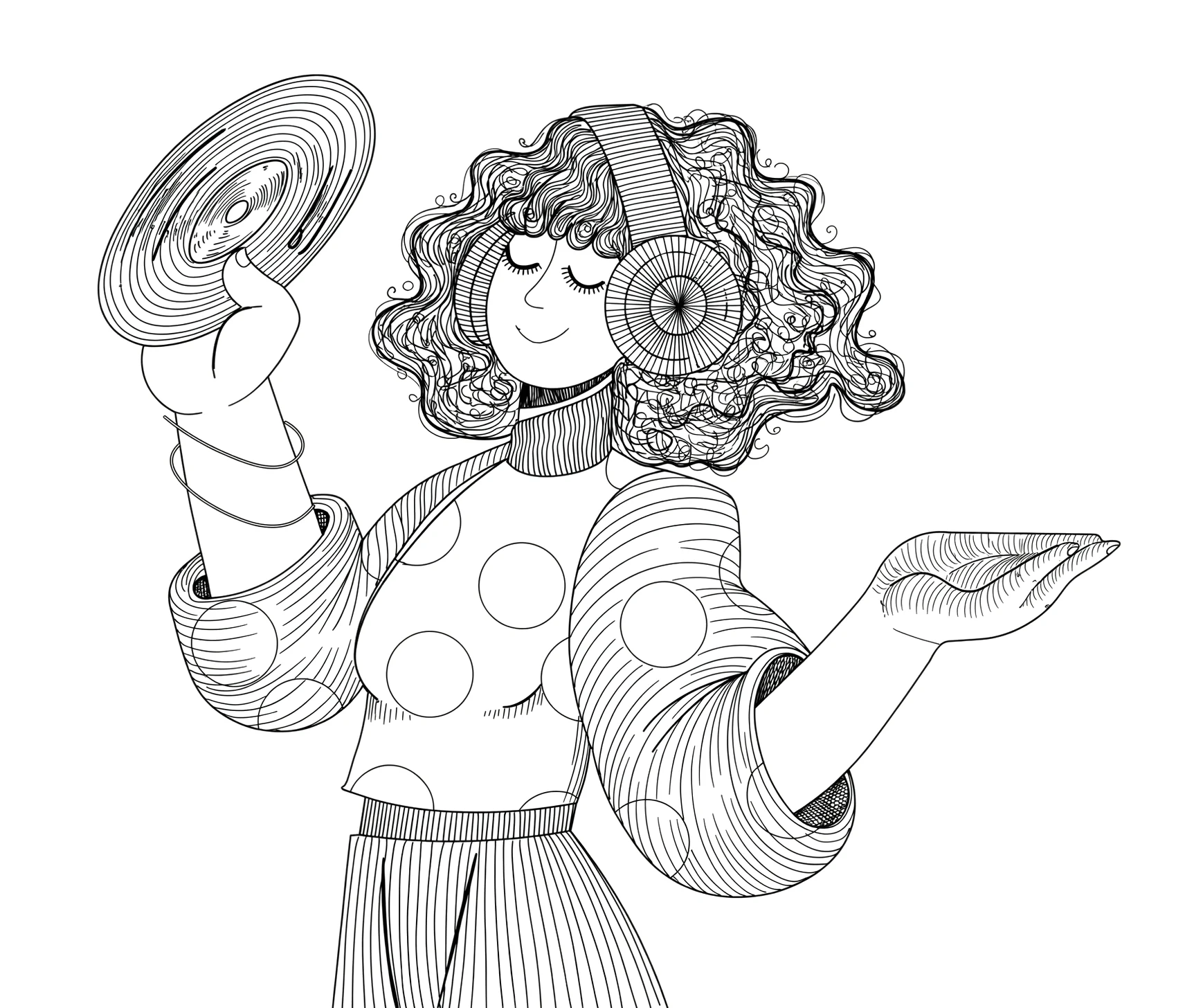
An illustration transformed into clean vector linework and revealed progressively at 60 FPS.

Whether animating portraits, diagrams, character designs, or architectural studies, Speedpaint adapts to your exact visual goal.
Extract clean black-and-white outlines with no gray smudges for printable coloring books, tattoo stencils, and vinyl cuts.
Turn reference poses, cosplay photos, and 3D models into clean 2D line art bases ready for digital inking.
Present structural shapes, machinery outlines, and patent-style illustrations with high-contrast clarity.
No drawing skills or screen recording rigs required. Speedpaint automates stroke trajectory planning and renders a natural pencil animation.
Select any portrait, product, animal, or object with defined edges and clear silhouettes.
The line art engine removes background noise and traces pure, continuous vector contours.
Download the clean transparent or paper-backed PNG and the 60 FPS stroke-by-stroke video.
A standard drawing video costs 20 credits ($0.20) for up to 60 seconds. New accounts start with 200 free trial credits. Static sketch downloads cost 5 credits. One-time credits never expire, with full commercial rights included.
Publish your exported drawings and 60 FPS videos directly to YouTube, client deliveries, course curricula, social feeds, and advertising campaigns.
Read terms →Key details about rendering quality, export options, and format support.
A standard drawing animation uses 20 credits, which is $0.20 for up to 60 seconds at the standard $1 = 100 credits rate. Each additional started minute adds 10 credits. Static sketch downloads cost 5 credits. New accounts receive 200 free trial credits, and credits never expire.
You receive full commercial rights to use your exported Speedpaint drawings and videos in monetized YouTube channels, client deliveries, teaching curricula, keynote presentations, and advertising campaigns.
Yes. Speedpaint extracts topological contours, plans an authentic single-pass drawing trajectory, and renders a smooth 60 FPS video showing the physical drawing reveal.
Yes. The Studio supports transparent WebM exports as well as white, dark, parchment, blueprint, and custom background presets.
Explore specialized drawing animation pipelines for different content styles.