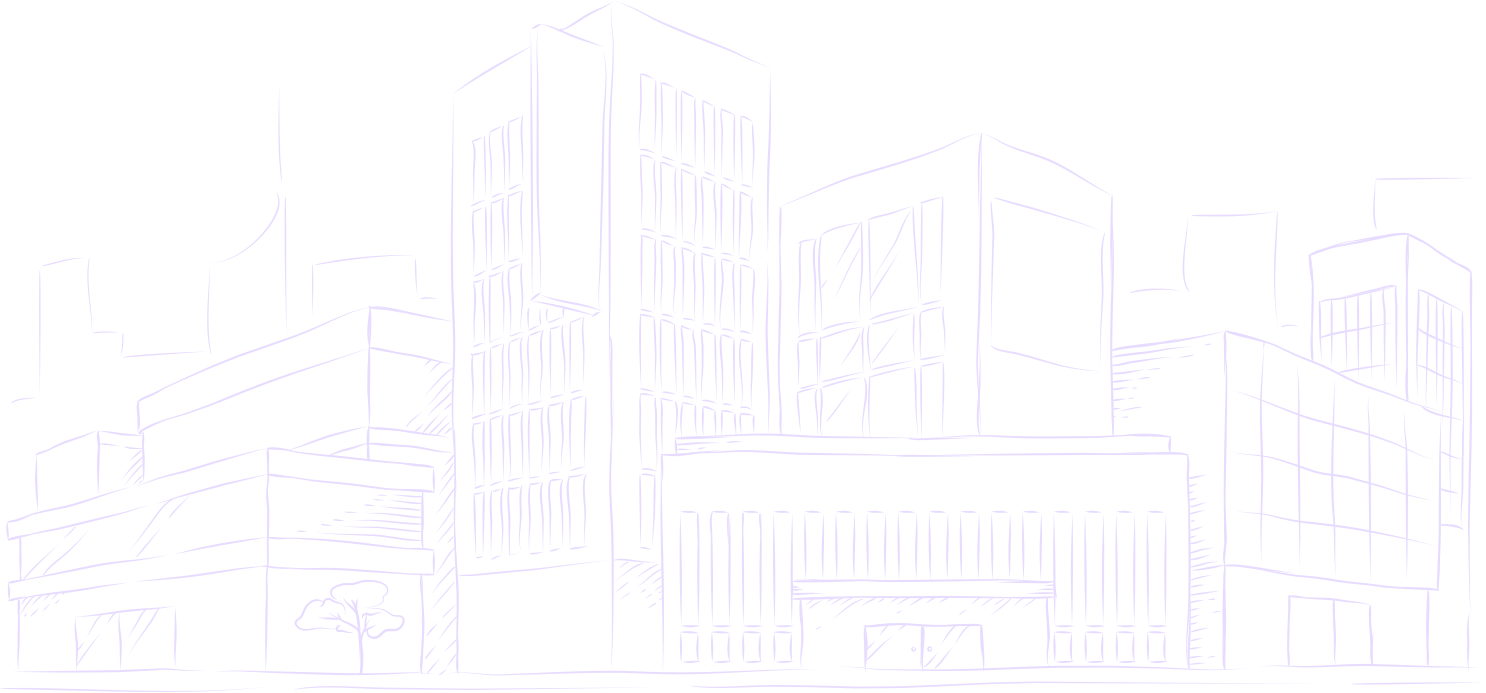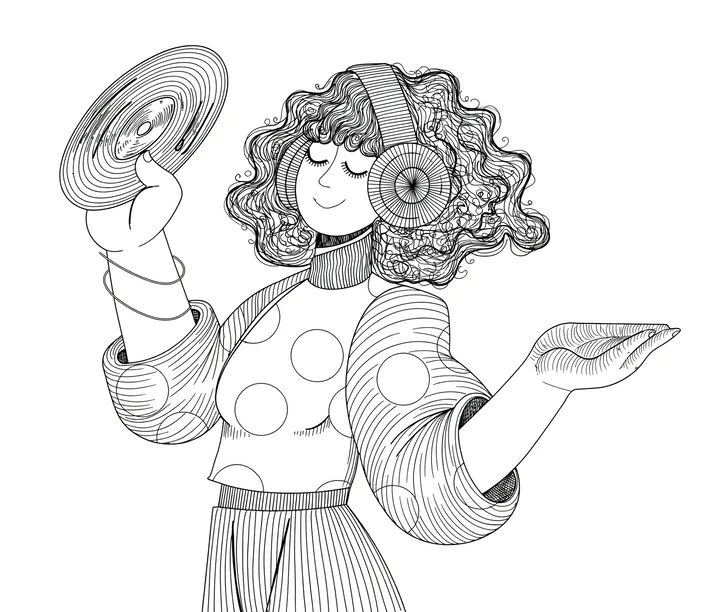
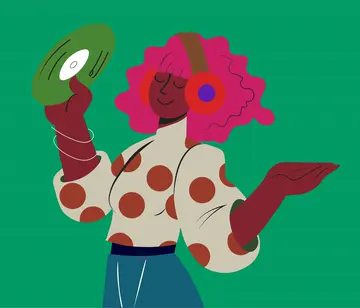
Speedpaintのしくみ
画像をアップロードし、見た目を選んで、描かれる様子を見るだけ。
写真をアップロード
人物、ペット、建物、図など。50MBまでのJPG・PNG・WEBP。
スタイルを選ぶ
ラインアート、陰影スケッチ、アニメ、木炭、そして描く手。
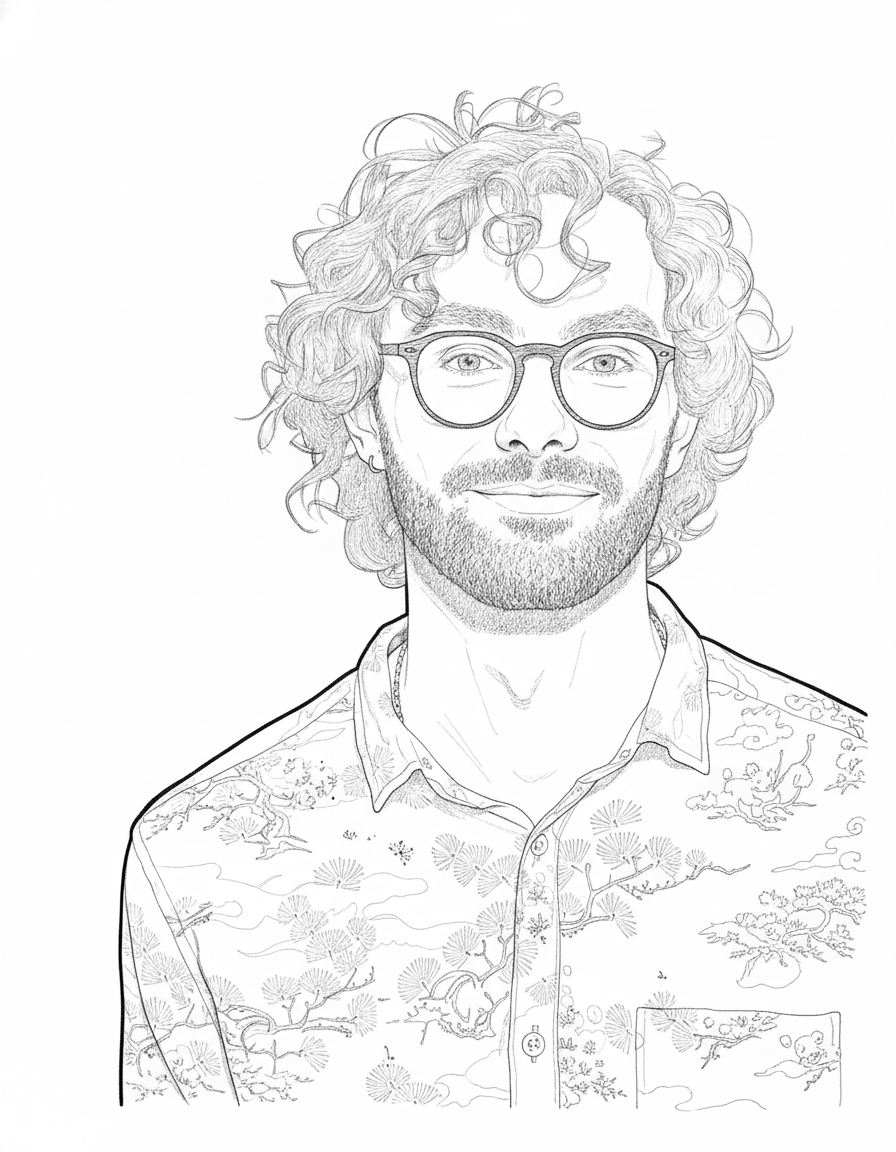
描かれる様子を見る
一筆ずつ描かれる60fpsの動画。そのままダウンロードや共有ができます。
Make your first drawing video
Try every setting below. Sign up free to make the video.
Guest video previews are paused for maintenance
Sorry about that. You can still upload an image and try every setting below. To make the video, sign up free and get 20¢ after you verify your email.
Drop an image here, or browse
PNG, JPG, or WEBP up to 20MB
Or try with a sample
Choose a sample to load it into the studio.
Loading samples…
See what your images can become
A selection of images, reinterpreted as drawing videos.
Pick your hand
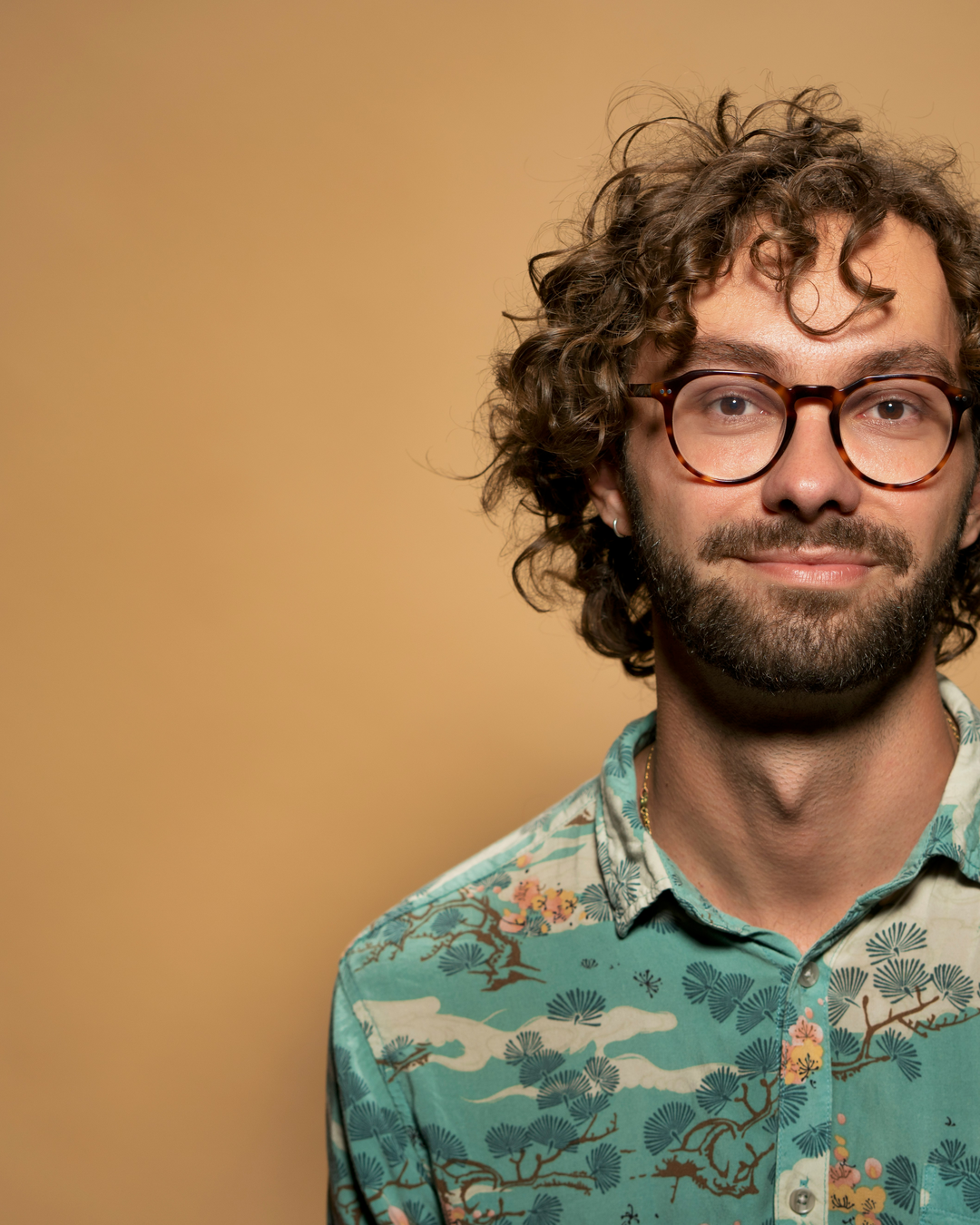
Your photo becomes line art first. Drag to compare, then watch each hand draw it.
Photo by Christian Buehner on Unsplash
Plans & top-ups
Eligible new accounts receive $0.20 free after email verification.
What your balance pays for
Studio shows the exact cost before you start. Failed videos are refunded to your balance.
- A video up to 3 min
- 10¢
- Any style, 1080p. 4K is free on Plus and Pro.
- The full 3 minutes
- Included
- No extra charge, with or without a plan
- A still sketch
- 5¢
- A drawing, no video
- A 4K video
- +10¢
- On Lite or without a plan. Free on Plus and Pro.
プランを選ぶ
クレジットは毎月届きます。いつでも解約できます。
- Lite月に数本試したい方に$0.99/月12 videos every month
- 10¢ per video up to 3 minutes
- 4K costs 10¢ more
- No watermark. Cancel any time
- Plusおすすめ毎週動画を作る方に$4.99/月65 videos every month
- 10¢ per video up to 3 minutes
- 4K at no extra cost
- No watermark. Cancel any time
- Pro50% off first monthよく投稿するクリエイターに$4.99then $9.99 a month · 140 videos
$9.99first month- 10¢ per video up to 3 minutes
- 4K at no extra cost
- No watermark. Cancel any time
Secure checkout by Dodo Payments. Taxes shown at checkout. The first-month discount needs a card and is once per person and per card. Cancel any time in Billing.
Top-ups stay valid for one year. Existing accounts keep their original terms.
What Plus covers
Every video and sketch comes out of the same balance.
58
58 videos
14
14 sketches
How one render is priced
- Sketch only
- 5¢
- Video
- 10¢
- Video in 4K
- 10¢
4K renders at the same 10¢ as 1080p on this plan.
Frequently asked questions
Everything you need to know about Speedpaint, pricing, and drawing videos.
How accurately does Speedpaint follow my image?
Speedpaint closely follows your source image, preserving exact subject proportions, composition, silhouette, and contours. The engine translates your photo into your selected drawing style—such as Line art for crisp ink contours or Detailed Shading for tonal graphite depth. Facial likeness, anatomy, and major shapes remain recognizable and faithful. Fine details like small text or intricate logos are translated into artistic linework rather than photocopied. You can preview the exact drawing paths on the Studio easel or review side-by-side photo comparisons in Examples before rendering.
Can I choose a drawing hand or hide it?
Yes. Studio includes right-handed pencil grip, left-handed grip, and no-visible-hand (ghost drawing mode) options so strokes appear across the canvas on their own. You can also adjust pencil slant, drawing pace, and how long the finished drawing holds at the end, from 2 to 10 seconds.
How does Speedpaint work?
Upload a photo or illustration and choose a drawing style. Speedpaint plans a stroke-by-stroke reveal from the drawing. Videos download as MP4. Video output is fixed at 60 FPS. This is a generated reveal, not a recording of the original artist drawing.
What drawing styles can I choose from?
There are four styles, in this order: Line art (the default, black outlines without tonal shading), Detailed (shaded graphite pencil sketch with soft tonal shading and depth), Anime / manga (expressive ink lines) and Charcoal (bold dark marks and textured shading). The retired drafting style is no longer offered: a request that still names it renders as Line art. A style changes the drawing that the video reveals, not just the look of the hand or paper.
How do credits and pricing work?
Pick a monthly plan (Lite at $0.99/mo for 12 videos; Plus at $4.99/mo for 65 videos; Pro at $9.99/mo for 140 videos, first month $4.99 (50% off)) or buy a one-time pack from $2.00. A standard video costs 10¢ for up to 180 seconds, with no per-minute charge. 4K adds 10¢ and costs nothing extra on Plus and Pro. A sketch-only creation costs 5¢. Purchased credits expire one calendar year after payment, earliest first, and a failed render returns them with their original expiry. Eligible new accounts receive $0.20 free after email verification.
Can I try Speedpaint for free?
Yes. Create a free account for $0.20, no card required, and anyone can try a guest preview without signing up. After that, Lite is $0.99 a month for 12 drawing videos of up to 3 minutes. Cancel anytime.
What video durations, aspect ratios, and resolutions are supported?
You can export 1080p Full HD or 4K Ultra HD at a fixed 60 frames per second. Aspect ratios are vertical 9:16, widescreen 16:9, square 1:1, 4:3 and 3:4, or the source image ratio. Videos run from 2 seconds to 3 minutes, and the finished drawing holds for 2 to 10 seconds at the end.
Can I add background textures, soundtracks, and watermarks?
Yes, in an account. Choose a textured paper preset, upload your own background image. Use one of the three built-in soundtracks or upload your own, with an optional pencil sound. You can add a text or logo watermark with adjustable placement, size and opacity. Colour reveal is optional and offers one treatment today, which fills each drawn shape. Custom soundtracks and 4K are not available in a guest preview.
What colour options are there?
Colour reveal is optional. One treatment is available today, which fills each drawn shape with the source colour after the line work finishes. More are in progress. Turning colour off keeps the drawing monochrome.
Can I publish directly to YouTube Shorts?
You can connect a YouTube channel, review the title, description and visibility, and confirm the upload of a completed vertical video. You can also download the MP4 instead. Reach and Shorts placement are not guaranteed.
Can I use my videos commercially?
Commercial use is subject to the Terms of Service and your rights to the uploaded material. Generating a drawing does not clear third-party copyright, trademark or likeness rights. Check the source image and soundtrack permissions before publishing.
What can I do without an account?
You can render one preview per network: choose a sample or upload an image, pick a style and export a 2 to 60 second clip at 1080p with one of the built-in soundtracks. The preview carries a small Speedpaint watermark that exists to stop automated abuse, the download link expires after 24 hours, and nothing is saved to a library. 4K and your own soundtrack need a free account.
Which payment methods are accepted?
Dodo Payments processes new purchases. Payment methods depend on your location and device and are shown in checkout.
What is the minimum top-up?
New purchases must total at least $2.00 USD after discounts. Dodo checkout shows the final amount, credits and any applicable taxes before payment.
How do I request a refund?
Contact support with your order reference and reason. We review requests for genuine billing errors or unresolvable technical issues on a case-by-case basis. Because drawing videos and credits are digital services delivered immediately upon generation, Speedpaint reserves the right to decline refund requests where credits have already been consumed or videos generated, to the maximum extent permitted by applicable local law. Payment refunds are not automatic, and purchases retain the terms shown at checkout.
写真を絵に
画像をアップロードしてスタイルを選ぶと、ひとりでに描かれます。
新規アカウントに20クレジット無料 · カード不要
Tips, new sketch styles, and studio updates
Join creators receiving new drawing techniques, style releases, and studio updates.