Why Tangent-Aligned Hand Slants and Dynamic Pacing Make Drawing Videos Look Real
How Speedpaint calculates vector tangents for natural hand angles, corner deceleration, and fast cross-hatching to avoid the robotic look of automated drawing tools.

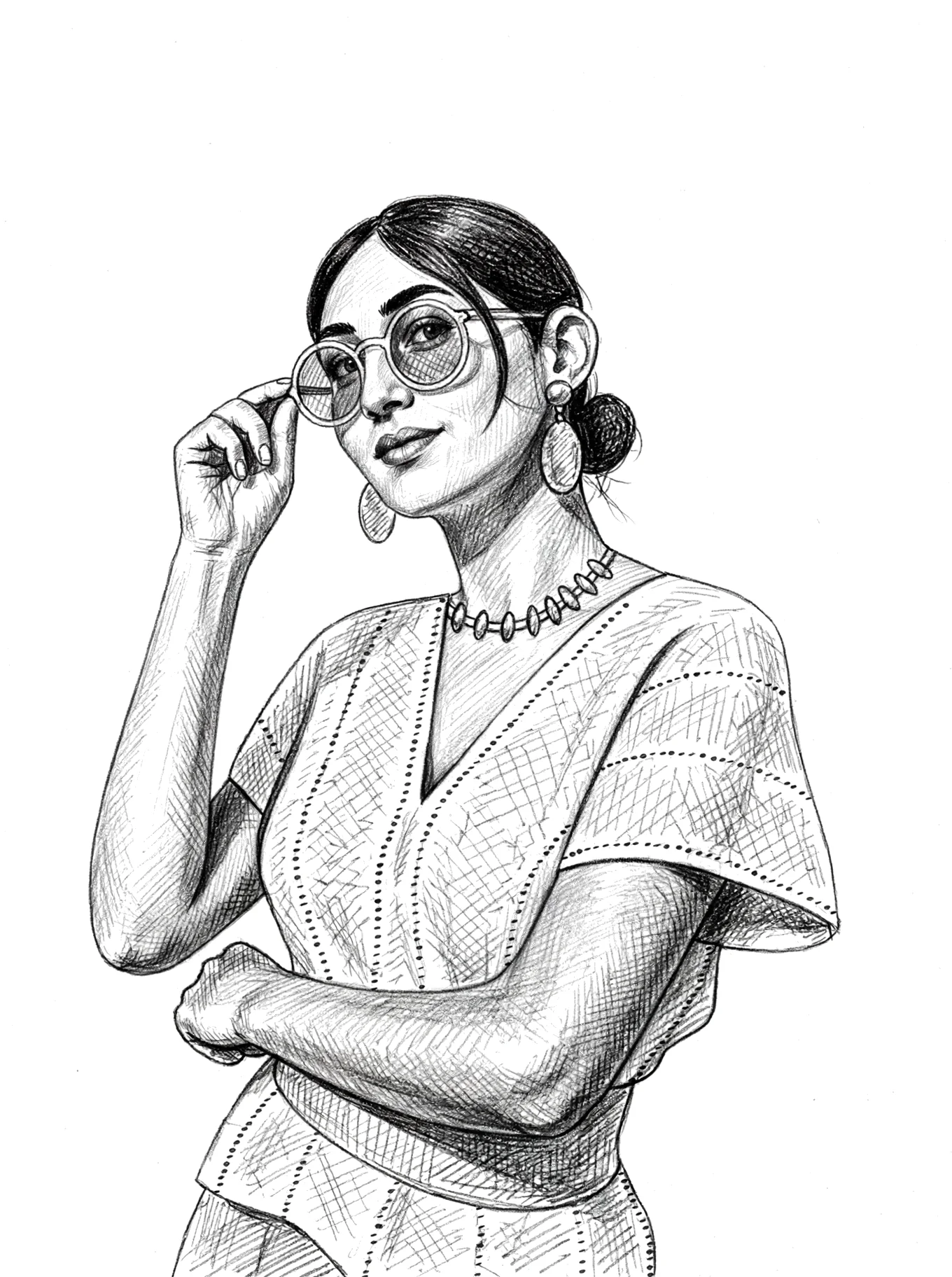
The Uncanny Valley of Automated Whiteboard Tools
Traditional whiteboard animation programs often feel stiff and mechanical. Viewers immediately spot the artificial nature due to two major flaws:
1. Fixed Hand Angle: The hand graphic remains locked at a static 45-degree angle regardless of whether it is drawing vertically, horizontally, or diagonally.
2. Linear Speed: The drawing cursor moves across the screen at a constant, unvarying velocity, ignoring the natural acceleration and deceleration of human wrist muscles.
How Speedpaint Solves This with Vector Physics
1. Dynamic Tangent Slant Calculation
For every millisecond of animation, Speedpaint computes the tangent vector of the active contour trajectory:```python
# Tangent angle calculation in vector_animation.py
dx = next_point[0] - current_point[0]
dy = next_point[1] - current_point[1]
angle = math.atan2(dy, dx)
```
The pencil overlay rotates dynamically to align with the drawing direction, providing natural pen tilt.
2. Speed Profiles: Deliberate Outlines vs Flicked Shading
Human artists do not draw outlines at the same speed as shading:This combination creates an animation that feels organic and authentic to the human eye.
Turn any photo into a drawing video
Get started with 200 free trial credits ($2.00 value · 10 videos). 1080p and 4K MP4 export. No subscriptions.